
A desk job health risks checklist is a structured set of interventions that prevents musculoskeletal disorders, metabolic disease, and vision damage caused by prolonged sedentary work. Office workers who sit for six or more hours daily face elevated risks of type 2 diabetes, cardiovascular disease, and cancer mortality. The formal term for this field is occupational health risk management, and the CDC, along with ergonomic researchers, has built a strong evidence base for what actually works. This checklist approach cuts through generic advice and gives you specific, research-backed actions organized by risk category.
1. The desk job health risks checklist: what you're actually up against
The health risks of sedentary work fall into three categories: musculoskeletal, metabolic, and sensory. Understanding all three is the starting point for any effective office work safety checklist.
Musculoskeletal disorders are the most common desk job health hazard. Repetitive strain injuries, neck pain, lower back pain, and shoulder tension develop gradually from poor posture and static loading of the spine. Work-related musculoskeletal disorders (WMSDs) require ergonomic redesign, training, and psychosocial interventions to prevent effectively. A chair adjustment alone will not solve the problem.

Metabolic risks are less visible but equally serious. Sedentary behavior is clinically defined as any awake posture requiring 1.5 METs or less of energy expenditure. Six or more hours of this daily links directly to obesity, insulin resistance, and cardiovascular disease. This means your body is not just uncomfortable at a desk. It is physiologically stressed.
Vision and cognitive effects round out the picture. Computer Vision Syndrome produces dry eyes, headaches, and blurred vision in frequent screen users. Regular breaks and workstation design are the two most protective factors against ocular damage. Fatigue and reduced concentration follow closely behind, especially in poorly lit or noisy environments.
"The best posture is your next posture." This principle, cited by occupational health researchers, captures why no single ergonomic fix is sufficient. Variety and movement are the real interventions.
2. Ergonomic workstation setup: the core checklist items
Ergonomics is the science of fitting the work environment to the worker, not the other way around. Ergonomic self-assessments often fail when users lack the knowledge to apply adjustments correctly, which is why specific guidance matters.
Monitor position: Place your screen at arm's length, with the top of the monitor at or just below eye level. This prevents the forward head posture known as tech neck, where every inch your head tilts forward adds roughly 10 pounds of effective load to your cervical spine.
Chair setup: Your chair should support the natural inward curve of your lower back. Seat height is correct when your feet rest flat on the floor and your knees form a 90-degree angle. Armrests should allow your shoulders to relax, not hike upward.
Keyboard and mouse placement: Keep both on the same surface, close enough that your elbows stay near 90 degrees and your wrists remain neutral, not bent upward or downward. Wrist rests are for pausing, not for typing.
Lighting and glare control: Position your monitor perpendicular to windows, not facing them. Use blinds or anti-glare screen filters to reduce reflections. Overhead lighting should be diffuse, not casting direct light onto your screen.
Pro Tip: If you work on a laptop without external peripherals, you are likely experiencing what ergonomists call the "Laptop Slouch." A laptop's fixed screen forces you to choose between a good neck position and a good wrist position. An external keyboard, mouse, and monitor stand solve this completely.
3. Movement strategies that actually reduce sedentary risk
Movement is not a supplement to ergonomics. It is the intervention. No daily exercise volume fully offsets the metabolic damage from continuous sitting, which means what you do during work hours matters as much as what you do at the gym.
The most practical framework is movement snacking: short, frequent bursts of activity distributed throughout the day rather than one long workout. Here is how to build it into your workday:
- Set a timer to stand, stretch, or walk for two minutes every 20 to 30 minutes. This breaks the physiological cascade that begins when you stay still too long.
- Aim for around 8,000 steps per day to significantly reduce risks for hypertension and heart failure. Note that even this step count does not fully offset coronary artery disease risk from prolonged sitting, so movement breaks remain non-negotiable.
- Incorporate neck stretches, shoulder rolls, and hip flexor stretches at your desk. These target the exact muscle groups that tighten during static sitting.
- Use walking meetings, standing phone calls, and staircase trips as structured movement opportunities rather than optional extras.
- Alternate between sitting and standing if you have a height-adjustable desk. Standing alone is not a magic bullet. Varied postures and genuine movement breaks are what stimulate metabolic processes.
Pro Tip: Pair your movement reminders with an existing habit, such as every time you finish a task or send an email. Habit stacking removes the cognitive load of remembering to move.
4. Environmental and safety checklist for your office
The physical environment around your desk contributes to desk job health hazards in ways most workers never examine. Lighting, noise, temperature, and physical hazards are all documented contributors to office worker injury and illness, according to CDC guidance on occupational safety.
Lighting: Insufficient light causes eye strain and headaches. Excessive brightness or glare causes the same. The target is diffuse, even illumination at roughly 300 to 500 lux for general office work, with task lighting for detailed work.
Noise: Open-plan offices generate chronic low-level noise that elevates cortisol and reduces concentration. Noise-canceling headphones, acoustic panels, or designated quiet zones are practical solutions that pay off in focus and reduced fatigue.
Physical hazards: Trailing cords, open desk drawers, cluttered aisles, and unstable shelving are the most common causes of office slips, trips, and falls. A five-minute weekly walkthrough of your workspace catches most of these before they cause injury.
Temperature and air quality: A workspace that is too cold or too warm forces the body to expend energy on thermoregulation rather than cognitive work. The recommended range is 68 to 76 degrees Fahrenheit. Poor air circulation and low humidity also dry out mucous membranes, worsening Computer Vision Syndrome symptoms.
Psychosocial factors deserve a place on any office work safety checklist. Low job control, excessive workload, and poor social support are independent risk factors for both mental health problems and physical symptoms like chronic back pain. Addressing these requires organizational action, not just individual behavior change.
| Environmental factor | Risk if unmanaged | Quick fix |
|---|---|---|
| Lighting | Eye strain, headaches | Diffuse overhead light, anti-glare filter |
| Noise | Fatigue, reduced focus | Noise-canceling headphones, acoustic panels |
| Temperature | Discomfort, reduced alertness | Maintain 68 to 76°F, use a desk fan or layer clothing |
| Physical clutter | Slips, trips, falls | Weekly 5-minute safety walkthrough |
| Psychosocial stress | Chronic pain, burnout | Workload review, manager communication |
5. Comparing ergonomic tools for preventing desk job injuries
Ergonomic products vary widely in effectiveness and price. The table below compares the most common interventions so you can prioritize based on your budget and workspace.
| Tool | Primary benefit | Limitation | Best for |
|---|---|---|---|
| Height-adjustable standing desk | Enables posture variety throughout the day | Standing too long carries its own risks | Workers with back pain or long hours |
| Ergonomic task chair | Lumbar support, adjustable fit | Requires correct setup to work | Anyone sitting more than 4 hours daily |
| Monitor arm | Precise screen positioning, frees desk space | Requires compatible desk edge | Multi-monitor setups or laptop users |
| External keyboard and mouse | Eliminates Laptop Slouch, neutral wrist position | Small added cost | Remote and hybrid workers on laptops |
| Footrest | Supports shorter users whose feet don't reach the floor | Not needed if chair height is correct | Workers under 5'4" or with fixed-height desks |
| Balance board or anti-fatigue mat | Encourages micro-movement while standing | Only useful with a standing desk | Standing desk users |
The most cost-effective single investment for most office workers is a properly adjusted ergonomic task chair paired with an external keyboard and mouse. A standing desk adds value only when the user also understands that varied postures and breaks are what drive health outcomes, not the desk itself.
Key takeaways
Preventing desk job health risks requires combining ergonomic setup, frequent movement, and environmental management. No single intervention works in isolation.
| Point | Details |
|---|---|
| Sedentary risk is cumulative | Six or more hours of daily sitting links to diabetes, heart disease, and cancer mortality regardless of gym habits. |
| Ergonomics requires education | Self-assessments fail without knowledge of correct adjustments; follow specific setup guidelines for chair, monitor, and keyboard. |
| Movement snacking beats gym compensation | Frequent two-minute breaks throughout the day offset sedentary damage more effectively than a single post-work workout. |
| Environment shapes compliance | Fixing lighting, noise, and temperature makes healthy habits easier to maintain and reduces eye strain and fatigue directly. |
| 8,000 steps is a meaningful target | Reaching this daily step count reduces hypertension and heart failure risk, though it does not fully cancel coronary artery disease risk from sitting. |
What I've learned from watching people build these habits
Most office workers approach desk health the same way they approach a gym membership in January: one big purchase, one big intention, and then nothing changes. I have watched colleagues spend $1,200 on a standing desk and then stand at it for three days before reverting to sitting all day. The desk did not fail them. The behavior system did.
The most effective approach I have seen is incremental. Pick one item from your desk job health risks checklist each week and make it automatic before adding the next. Start with chair height because it takes 30 seconds and immediately changes how your lower back feels. Then fix your monitor. Then add a movement timer. By week four, you have a functioning system rather than a wishlist.
The harder truth is that ergonomic equipment without behavior change is decoration. A multidisciplinary approach that combines physical setup, movement habits, and psychosocial factors consistently outperforms any single fix. That means talking to your manager about workload if it is crushing you, not just buying a lumbar pillow.
Workplace culture also determines whether these strategies stick. If your organization treats breaks as laziness and rewards 10-hour sitting marathons, individual checklists will only go so far. The most sustainable change I have seen happens when teams normalize movement breaks together, not when one person quietly sets a timer while everyone else stares at them.
Customize your checklist to your actual situation. A 25-year-old with no back pain has different priorities than a 45-year-old with a history of repetitive strain injury. The research gives you the framework. Your body and your work environment tell you where to start.
— Jacob
Track your health progress alongside your ergonomic changes
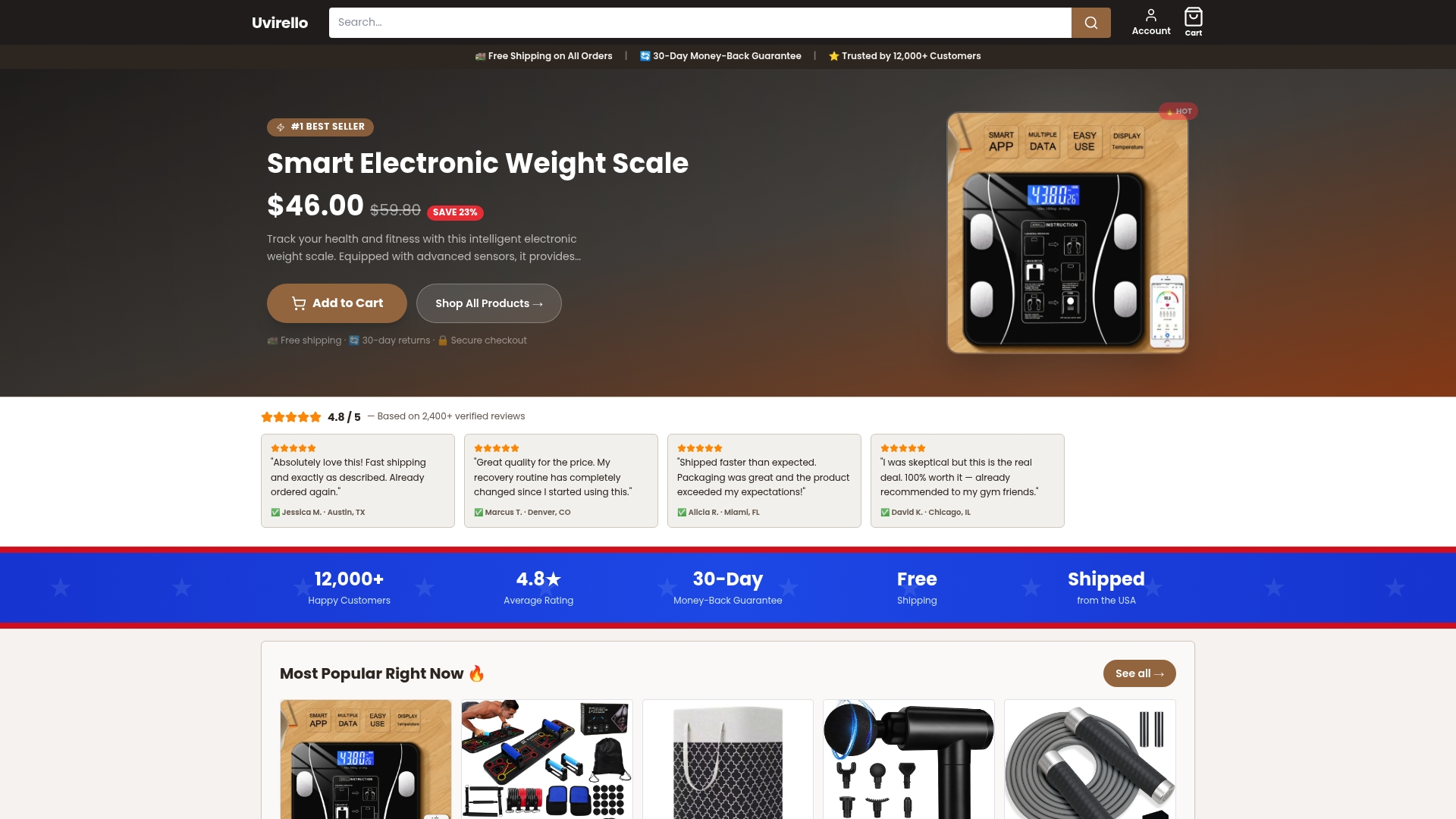
Fixing your workstation is one side of the equation. Tracking what happens to your body as you make changes is the other. Uvirello's Smart Electronic Weight Scale goes beyond basic weight measurement, giving you body fat percentage, BMI, and full body composition metrics with high-precision sensors. Over 12,000 users rate it 4.8 out of 5 for accuracy and ease of use. If you are making real changes to your movement habits and sedentary behavior, you deserve data that shows whether those changes are working. See the full range of health tracking tools at Uvirello and make your progress visible.
FAQ
What are the biggest health risks of a desk job?
The primary risks are musculoskeletal disorders (back, neck, and shoulder pain), metabolic conditions including type 2 diabetes and cardiovascular disease, and Computer Vision Syndrome. Prolonged sedentary behavior of six or more hours daily is independently linked to cancer mortality and mental health decline.
How often should I take breaks from sitting?
Take a movement break every 20 to 30 minutes. Two minutes of standing, stretching, or walking is enough to interrupt the metabolic effects of continuous sitting. Relying solely on end-of-day exercise does not fully offset the damage from unbroken sitting.
Does a standing desk eliminate desk job health risks?
No. Standing too long carries risks similar to prolonged sitting, including lower limb fatigue and cardiovascular strain. The benefit of a standing desk comes from alternating postures and incorporating genuine movement, not from standing in place for hours.
What is the most important ergonomic adjustment for office workers?
Chair height and lumbar support are the highest-impact adjustments for most workers. Your feet should rest flat on the floor, knees at 90 degrees, and your lower back should contact the chair's lumbar support. Correct chair setup prevents the majority of lower back and hip complaints from sedentary work.
How many steps per day should desk workers aim for?
Around 8,000 steps per day produces significant reductions in hypertension and heart failure risk for sedentary workers. This target does not fully cancel coronary artery disease risk from prolonged sitting, which is why movement breaks during work hours remain a separate and necessary habit.