
A fitness tracking workflow is the complete system you use to collect, organize, and act on your health and performance data. Most people track obsessively but act rarely. The gap between logging data and making better training decisions is where progress stalls. To truly streamline your fitness tracking workflow, you need three things working together: automation that removes manual entry, a decision framework that turns numbers into choices, and logging habits that capture context without slowing you down. Tools like GitHub Actions, Convex Wearables, and apps built around the 2026 design standard already make this possible.
How to streamline your fitness tracking workflow with automation
The biggest time drain in fitness data management is manual syncing. You finish a workout, open three apps, copy numbers between them, and still end up with incomplete records. Automation eliminates that entirely.
GitHub Actions is the clearest example of what zero-touch syncing looks like in practice. Free-tier workflows can run three times a day, fully automating Garmin to Notion data synchronization without any manual input. That means your sleep score, step count, and heart rate data are waiting in your dashboard before you even make coffee.

For more advanced setups, open-source frameworks go further. Convex Wearables uses OAuth 2.0 flows and cron-triggered syncs to normalize data from multiple wearable sources into a single unified schema. Normalization matters because your Garmin, Apple Watch, and Oura Ring all store data differently. Without a unified format, you are comparing apples to oranges every time you review your week.
Here is what a practical automation stack looks like for efficient workout tracking:
- Wearable API connection: Link your device to a centralized platform like Notion, Google Sheets, or a custom dashboard using an API or integration module.
- Cron-triggered sync jobs: Schedule automatic pulls at set intervals (morning, midday, evening) so data stays current without manual refreshes.
- Data normalization layer: Use a tool like Convex Wearables or a custom script to convert all incoming data into consistent units and formats.
- Automated alerts: Set threshold triggers so you get a notification when resting heart rate spikes or sleep drops below your baseline, rather than hunting for the signal yourself.
Pro Tip: If you use IoT-connected devices, wearable APIs and smart integrations can push body composition data directly into your tracking platform, removing the need to log weight or body fat manually after every session.
Automation frameworks reduce errors and free up time that specialists previously spent on manual data handling. Applied to fitness, that freed time goes toward actually training and recovering rather than administering spreadsheets.
How does a decision-mode framework turn fitness data into action?
Raw data does not train you. Decisions do. The decision-mode framework organizes your metrics into four buckets: load, recovery, readiness, and execution. Each bucket answers a specific question and drives a specific type of adjustment.
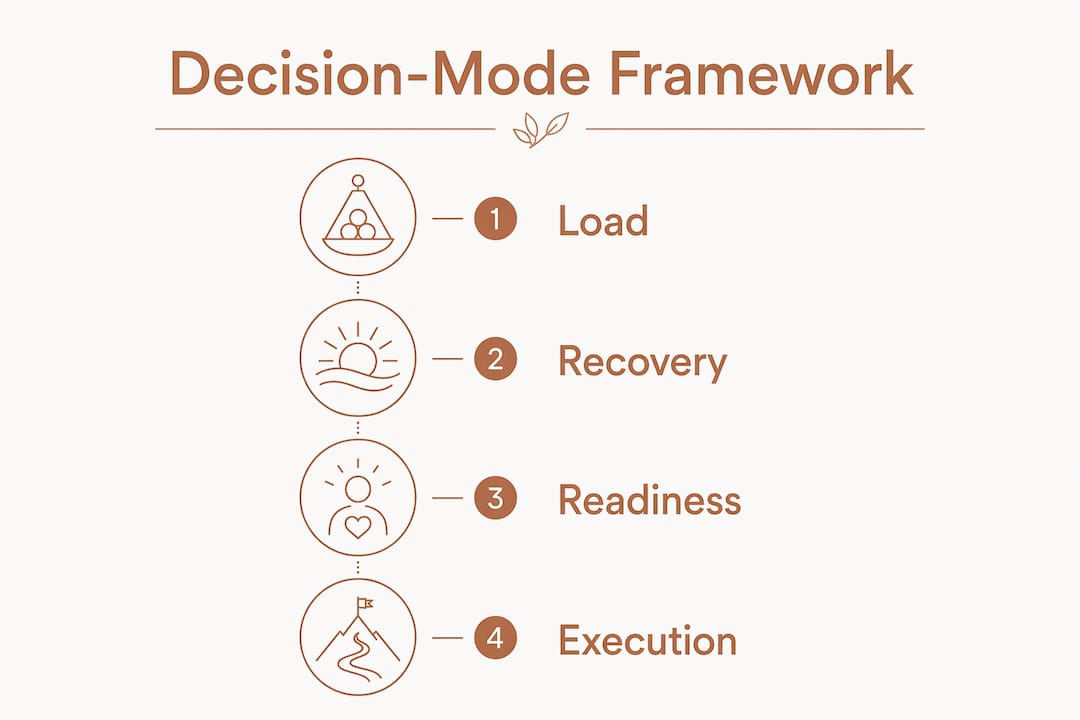
Categorizing fitness metrics into these four buckets improves decision-making by enabling training intensity adjustments of 20–30% within 48 hours. That is a meaningful shift you can apply before your next session, not after a month of guessing.
Here is how each bucket works in practice:
- Load measures total training stress over the past 7–10 days. If your weekly volume jumped more than 10% without a planned overload phase, load is the signal to pull back.
- Recovery tracks how well your body absorbed the previous session. Resting heart rate elevated for three consecutive mornings, combined with a drop in warm-up performance, is a reliable signal to reduce intensity temporarily.
- Readiness combines recovery markers with sleep quality and subjective feel to produce a go or no-go for high-intensity work. Treat composite scores like Garmin's Body Battery as rough directional indicators only. Composite readiness scores are black-box algorithms and should be supplemented with validated metrics like resting heart rate and HRV for reliable decisions.
- Execution reviews actual session performance against planned targets. If you hit 95% of planned reps at the target load, execution is on track. If you consistently fall short, the plan needs adjustment, not more willpower.
"Fitness tracking is only valuable when it leads to behavior changes like adjusting workouts or nutrition. Otherwise, data is just noise." — Wearable Fitness Analytics
Focusing on long-term weekly or monthly trends rather than daily fluctuations reduces measurement drift and improves training outcomes. A single bad night of sleep does not mean your program is broken. Three consecutive bad nights with declining performance scores means something needs to change.
What are the best practices for manual workout logging?
Manual logging does not have to be slow. The goal is to capture what matters in under two seconds per set without breaking your focus or your flow.
Apps following 2026 design standards minimize phone interaction during training by auto-filling key data points from your previous session. You walk up to the bar, the app already knows your last weight and rep count, and you confirm or adjust with a single tap. That is the standard worth demanding from any fitness tracking tool you use.
Beyond auto-fill, the most underrated feature in efficient workout tracking is subjective context logging. A one-line note about your mental state, sleep quality, or stress level can explain a session's performance better than any metric alone. Capturing subjective context such as mood, stress, and sleep quality alongside objective data is the difference between knowing what happened and understanding why.
Here is what a fast, complete logging habit looks like:
- Auto-fill from previous sessions: Never retype weight, sets, or reps. Let the app pull last session's data and update only what changed.
- Background rest timers: Set your rest interval once per exercise. The timer runs automatically so you are not watching the clock or losing track.
- One-line context note: After each session, type a single sentence. "Felt flat, poor sleep" or "Strong session, well rested" takes three seconds and transforms your data from numbers into a story.
- Consistent session structure: Log in the same order every time. Warm-up, main lifts, accessories, notes. Consistency reduces cognitive load and speeds up the process.
Pro Tip: For busy schedules, reducing manual input with auto-fill and rest timers is the single fastest way to make logging sustainable long-term.
How to combine technology and mindset for continuous improvement
Technology handles the data collection. Your mindset determines what you do with it. The combination of both is what separates people who improve steadily from people who track endlessly without progress.
A structured weekly review is the most practical habit you can build. A practical weekly review model involves assessing training load, recovery, readiness, and nutrition adjustments to continually refine your training plan. Set aside 15 minutes every Sunday. Pull your week's data, check each of the four buckets, and make one or two precise adjustments for the coming week.
Here is a repeatable weekly review process:
- Review load totals. Compare this week's volume to last week's. Flag any increase above 10%.
- Check recovery trends. Look at average resting heart rate and sleep duration across the week, not individual days.
- Assess readiness patterns. Did you have more than two low-readiness days? If yes, identify the cause before adding intensity.
- Evaluate execution rate. What percentage of planned sessions did you complete at the target effort? Below 80% signals the plan is too aggressive.
- Set one measurable change. Examples: reduce weekly volume by 15%, add one recovery session, shift a high-intensity day to later in the week.
The table below shows how each review category maps to a specific adjustment type:
| Review Category | What to Measure | Adjustment Trigger |
|---|---|---|
| Load | Weekly volume vs. prior week | Greater than 10% increase signals a pullback |
| Recovery | Average resting heart rate trend | Three-day elevation signals reduced intensity |
| Readiness | Low-readiness day frequency | More than two days signals schedule change |
| Execution | Completed sessions vs. planned | Below 80% completion signals plan reduction |
| Nutrition | Calorie and protein targets met | Missed targets on training days signals timing fix |
Effective fitness automation requires a decision layer to transform raw data into tasks. Without that layer, even the best automation setup produces dashboards you glance at and ignore. The weekly review is that decision layer in practice.
The disconnect between wearable data and real outcomes often comes from algorithm oversimplification ignoring nuanced physiological variables. No app knows that you were stressed at work, skipped lunch, or slept on a bad mattress. Your subjective notes fill that gap. Technology and self-awareness are not competing approaches. They are the same system.
Key takeaways
The most effective fitness tracking workflow combines automated data collection, a four-bucket decision framework, and fast manual logging habits that capture both objective metrics and subjective context.
| Point | Details |
|---|---|
| Automate data collection | Use GitHub Actions or Convex Wearables to sync wearable data up to three times daily without manual input. |
| Apply the four-bucket framework | Organize metrics into load, recovery, readiness, and execution to drive specific training adjustments. |
| Log subjective context | Add a one-line session note on mood and fatigue to explain performance gaps that numbers alone cannot. |
| Review weekly, not daily | Assess trends across the full week to avoid overreacting to normal daily data variation. |
| Supplement composite scores | Treat app-generated readiness scores as directional only; validate with resting heart rate and HRV data. |
Why most fitness trackers fail the people who use them
I have spent years watching people build elaborate tracking setups that collapse within a month. The problem is almost never the technology. It is the assumption that more data automatically produces better decisions.
The athletes I have seen improve most consistently are not the ones with the most sophisticated dashboards. They are the ones who pick four or five metrics, automate the collection, and spend their mental energy on the weekly review rather than daily number-watching. They treat their readiness score as a starting point for a conversation with themselves, not a verdict from an algorithm.
The hardest habit to build is also the simplest: the one-line context note after each session. I resisted it for a long time because it felt unscientific. Then I went back through six months of data and realized I could not explain half my performance dips without it. Stress, travel, poor sleep, a bad meal the night before. None of that shows up in a heart rate graph. All of it shows up in a sentence.
My honest recommendation is to start with automation first, then build the decision framework, then refine your logging. Do not try to fix everything at once. Pick one inefficiency, solve it completely, and move to the next. That approach is slower to set up and far more likely to stick.
— Jacob
How Uvirello supports your fitness tracking goals
A tracking workflow is only as good as the data going into it. Body composition metrics like body fat percentage and BMI are among the most meaningful inputs for any load or readiness assessment, and they require accurate measurement at the source.
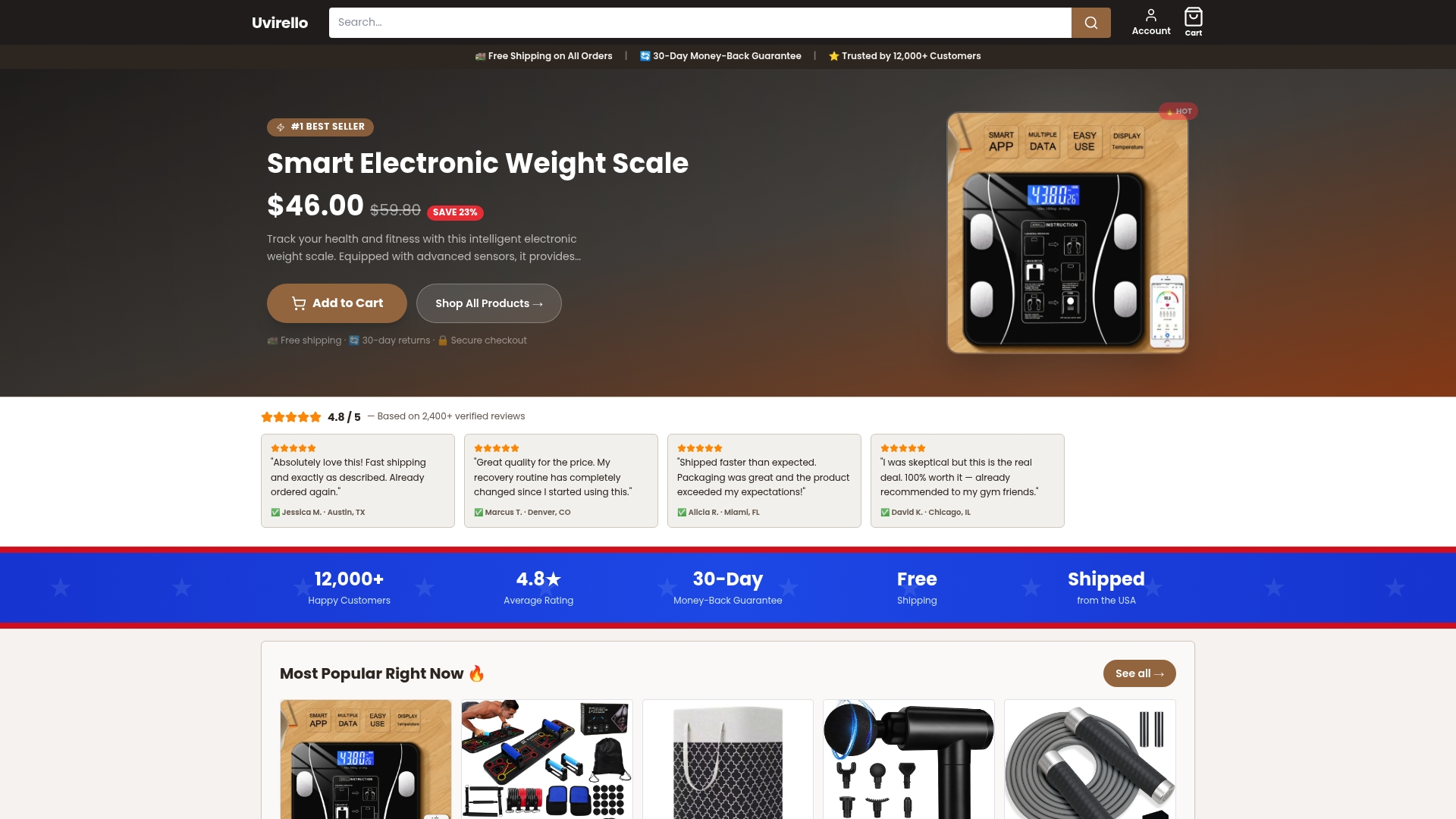
Uvirello's Smart Electronic Weight Scale delivers those metrics with high-precision sensors, giving you reliable body composition data to feed directly into your tracking system. With over 12,000 verified customer reviews and a 4.8 out of 5 average rating, Uvirello has built a reputation for accuracy that fitness enthusiasts and health-focused individuals depend on. Explore the full range of Uvirello health tracking tools to see how precise body composition data fits into your monitoring routine.
FAQ
What does it mean to streamline a fitness tracking workflow?
Streamlining a fitness tracking workflow means reducing manual data entry, automating syncs between devices and platforms, and organizing metrics into categories that drive specific training decisions. The goal is less time managing data and more time acting on it.
Which apps support efficient workout tracking with auto-fill?
Apps built to 2026 design standards, such as Strive Workout, auto-fill weight and rep data from previous sessions, reducing logging time to under two seconds per set. Look for apps that also include background rest timers and session note fields.
How often should i review my fitness data?
Weekly reviews produce better outcomes than daily monitoring. Assessing load, recovery, readiness, and execution once per week prevents overreaction to normal daily variation and keeps training adjustments precise and manageable.
Are composite readiness scores reliable for training decisions?
Composite scores like Garmin's Body Battery are directional indicators, not definitive verdicts. Supplement them with validated metrics like resting heart rate and HRV for more reliable training signals, especially before high-intensity sessions.
What is the fastest way to improve fitness data management?
Automating your wearable-to-platform sync using tools like GitHub Actions or Convex Wearables removes the largest source of manual effort. Pair that with a consistent one-line context note after each session to make your data both current and interpretable.