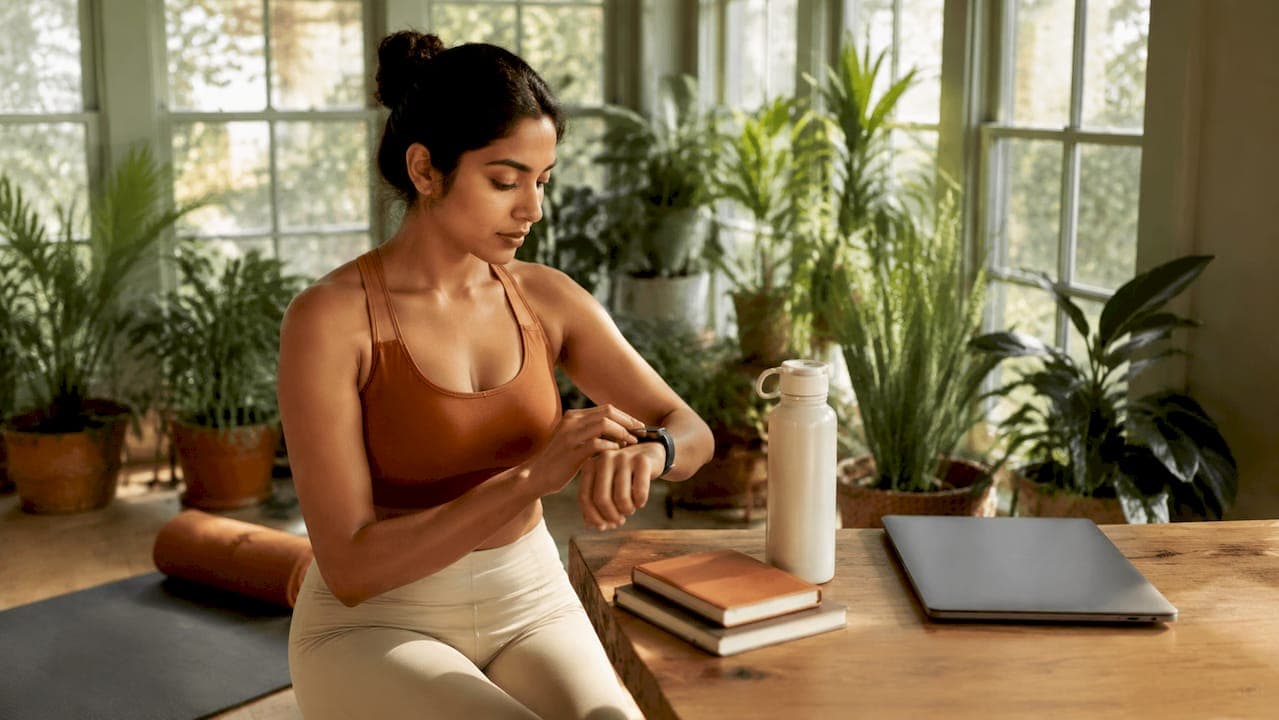
Desk job fitness progress monitoring is the practice of tracking your physical activity, posture, and body composition metrics using wearables, apps, and smart devices to maintain measurable health improvements despite sitting for 8–10 hours daily. The average office worker faces real metabolic risk from prolonged sitting, and simply going to the gym three times a week does not fully offset it. Tools like Garmin smartwatches, Apple Watch, posture sensors, and apps like Fitbit and geekfit give you the data to make smarter decisions about how you move throughout your workday. This guide covers the right tools, realistic goals, and a step-by-step tracking method built specifically for busy desk workers.
What tools and metrics should you use for desk job fitness progress monitoring?
The right tracking setup does not require expensive gear. It requires the right combination of metrics and devices matched to your actual workday.
Key metrics worth tracking
Four metrics matter most for desk workers: daily step count, active minutes, resting heart rate, and movement break frequency. Step count gives you a rough proxy for overall activity. Active minutes (tracked by Garmin, Fitbit, and Apple Watch) measure time spent in moderate or vigorous movement. Resting heart rate trends downward as cardiovascular fitness improves, making it one of the most reliable long-term indicators. Movement break frequency tells you how often you interrupt sitting, which research shows is more crucial than total activity volume for metabolic health.
Wearables vs. non-wearable posture monitors
Wearables like Fitbit Charge 6, Apple Watch Series 10, and Garmin Vivosmart 5 handle step tracking, heart rate, and inactivity alerts in one device. Non-wearable posture monitors take a different approach. Devices using ToF depth sensors and gyroscopes track real-time posture without cameras, with hardware costs typically ranging $299–$354 and optional subscriptions for advanced features. For most desk workers, a mid-range wearable paired with a free or low-cost app covers 80% of what you need.

Pro Tip: Start with a $50–$100 wearable and a free app like geekfit or Google Fit before investing in posture hardware. Build the habit first, then add layers.
| Device/App | Best For | Cost Range | Desk Worker Feature |
|---|---|---|---|
| Fitbit Charge 6 | All-day activity tracking | $100–$160 | Inactivity alerts, sleep tracking |
| Apple Watch Series 10 | Ecosystem integration | $400+ | Stand reminders, heart rate zones |
| Garmin Vivosmart 5 | Battery life, simplicity | $130–$150 | Move IQ, stress tracking |
| geekfit app | Programmers and desk workers | Free (open source) | Inactivity reminders, hotkeys |
| Non-wearable posture sensor | Posture correction only | $299–$354 | Real-time posture alerts, no camera |
Smart fitness tracking apps for desk workers also include hydration tracking and posture correction prompts, which wearables alone often miss. Combining both gives you a fuller picture of your health on any given workday.
How do you set realistic desk worker exercise goals?
Goal-setting for desk workers fails most often because the goals are borrowed from athletes, not office professionals. Your starting point is different, and your targets should reflect that.
Medical guidelines recommend at least 150 minutes of moderate-intensity exercise weekly plus two muscle-strengthening sessions targeting major muscle groups. The biggest health gains happen when you move from zero activity to that 150-minute threshold. You do not need to run marathons. A brisk 30-minute walk five days a week qualifies.
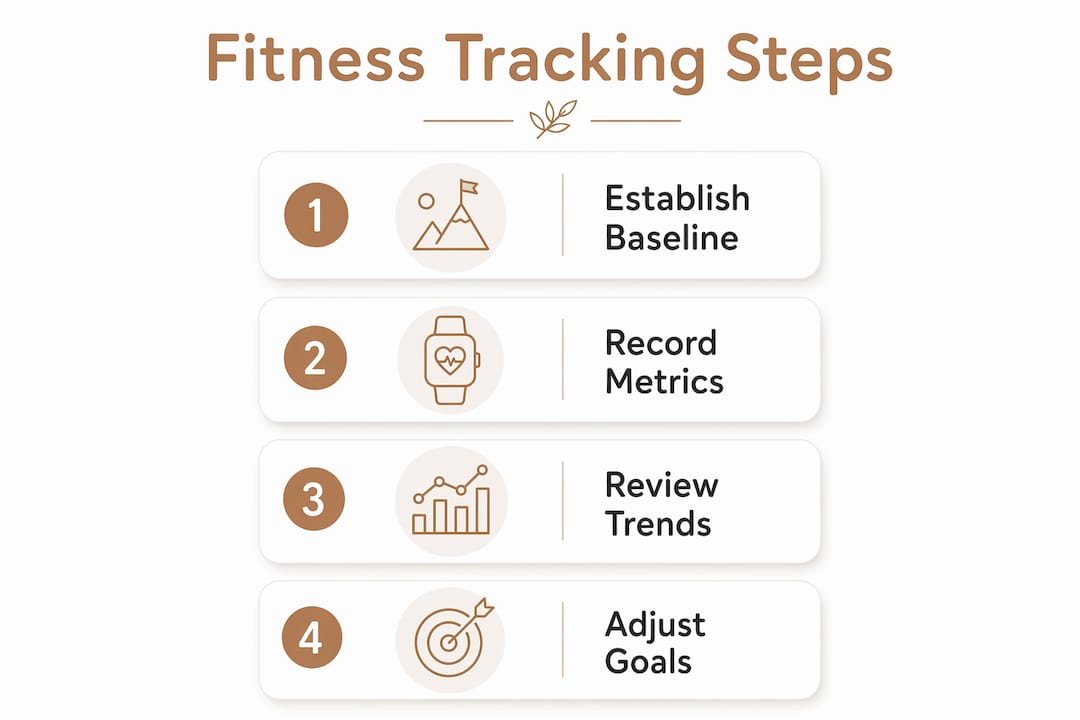
Here is a practical four-step process for building desk worker exercise goals that actually stick:
- Track your baseline for one week. Record your current daily steps, active minutes, and how often you stand or move without making any changes. Behavioral baseline tracking reveals your real starting point, not the one you assume.
- Add one micro-movement habit. Schedule a 30–60 second movement break every hour. Seated twists, desk push-ups, and calf raises work in business attire and take under a minute.
- Set a step goal 10–15% above your baseline. If you average 4,000 steps daily, target 4,500 before jumping to 10,000. Incremental targets build momentum without triggering burnout.
- Add two strength sessions per week after week three. A six-exercise routine targeting shoulders, upper back, and hips takes under 15 minutes and directly counters the posture damage from sitting.
Pro Tip: Set a recurring phone alarm labeled "Move 2 min" every 45 minutes. It sounds trivial, but that single habit can add 10–15 movement breaks to your day without touching your schedule.
Muscle-strengthening sessions also protect your metabolism, joints, and bone density, which sedentary work quietly erodes over years. Think of them as maintenance, not optional extras.
How to track and analyze your fitness progress at work
Tracking without analysis is just data collection. The goal is to turn numbers into decisions.
Step 1: establish your baseline
Spend the first week tracking your sedentary time and activity without changing anything. Use your wearable's default dashboard or a simple spreadsheet with four columns: date, steps, movement breaks, and workout completed (yes/no). This baseline is your reference point for every future comparison.
Step 2: record daily metrics consistently
Consistency in tracking behavior, not perfect accuracy, drives progress. Log the same metrics every day at the same time, ideally at the end of your workday. Apps like Fitbit, Apple Health, and Google Fit auto-sync most data. For anything manual, a five-row spreadsheet takes 90 seconds to update.
Step 3: review weekly trends
At the end of each week, compare your averages to the previous week. Look for three things: whether your step count trended up, whether movement breaks increased, and whether your resting heart rate dropped. A plateau in any metric signals that your current routine needs a small adjustment, not a complete overhaul.
| Tracking Approach | Tools Needed | Time Per Day | Best For |
|---|---|---|---|
| Wearable auto-sync | Fitbit, Apple Watch, Garmin | Under 1 minute | Passive, hands-off tracking |
| App manual log | Google Fit, Notion, spreadsheet | 2–5 minutes | Custom metrics and flexibility |
| Hybrid method | Wearable + weekly spreadsheet review | 5–10 minutes | Desk workers who want trend analysis |
| Lunchbreak tracking | Lunchbreak workout log | 5 minutes | Workers with structured midday breaks |
Step 4: adjust goals based on data
If you hit your step goal four out of seven days, raise it by 500 steps. If you missed movement breaks consistently, investigate why and simplify the trigger. Data-driven adjustments keep your goals realistic and your motivation intact.
What mistakes derail desk job fitness monitoring?
Most desk workers do not fail because they lack discipline. They fail because their system has design flaws.
- Setting goals too high from the start. Small, consistent habits beat ambitious plans that collapse under work fatigue. A 10-minute walk after lunch builds more lasting momentum than a 60-minute gym session you dread.
- Ignoring micro-movements. High-intensity exercise after long sitting periods cannot fully offset the metabolic risks of prolonged immobility. Frequent light movement throughout the day is not optional.
- Skipping posture and mobility work. Neglecting thoracic spine and hip-flexor stretches leads to poor form and increased injury risk during workouts. Posture work is part of fitness monitoring, not separate from it.
- Device syncing errors. Wearables that fail to sync lose days of data. Check your app connection weekly and keep firmware updated on Fitbit, Garmin, or Apple Watch devices.
- Treating tracking as surveillance. Workplace fitness tracking programs succeed when they respect privacy and offer tailored support. If your employer uses tracking tools, understand what data is shared and what stays private.
"Frequency of sedentary interruptions is more crucial than total activity volume." — Dr. Kirath Sidhu
Pro Tip: Use a streak tracker in apps like Habitica or Streaks to maintain motivation. Pair it with one accountability partner at work. Social accountability doubles follow-through rates in most behavioral research.
Ergonomic checks belong in your monitoring routine too. Review your chair height, monitor position, and keyboard placement monthly. Poor ergonomics accelerate the posture problems that fitness tracking is trying to fix.
Key takeaways
Desk job fitness progress monitoring works best when you combine consistent tracking tools, frequent micro-movement habits, and data-driven goal adjustments rather than relying on gym sessions alone.
| Point | Details |
|---|---|
| Start with a behavioral baseline | Track your current activity for one week before setting any new goals. |
| Prioritize movement break frequency | Interrupting sitting every 30–60 minutes improves metabolic health beyond what gym sessions alone provide. |
| Match tools to your budget | A mid-range wearable plus a free app covers most desk worker tracking needs effectively. |
| Use weekly trend reviews | Compare step count, active minutes, and resting heart rate weekly to spot plateaus early. |
| Build habits before adding complexity | Start with one micro-movement habit and one weekly strength session before layering in more tools. |
Why i think most desk workers are tracking the wrong things
I have spent years watching people buy expensive wearables, obsess over daily step counts, and still feel worse at the end of the quarter. The problem is not the tools. The problem is that most desk workers treat fitness monitoring as a performance metric rather than a feedback system.
The most useful shift I made was stopping the focus on hitting 10,000 steps and starting to track how often I stood up. That single metric told me more about my actual sedentary behavior than any weekly step total. When I started using a simple spreadsheet alongside my Garmin, I realized I was averaging only three movement breaks per eight-hour workday. No wonder my lower back was a constant problem.
The second thing I learned is that body composition data changes the picture entirely. Step counts tell you about movement. Body fat percentage and muscle mass tell you whether that movement is actually changing your body. Adding a smart scale to my routine gave me a feedback loop that step tracking alone never could. I stopped guessing whether my habits were working and started seeing the evidence.
My honest advice: pick two metrics, track them for 30 days without changing anything, and let the data tell you where to focus. You will find the answer faster than any fitness program promises.
— Jacob
Track every dimension of your progress with Uvirello
Wearables and apps track your movement. Uvirello tracks what movement actually does to your body.
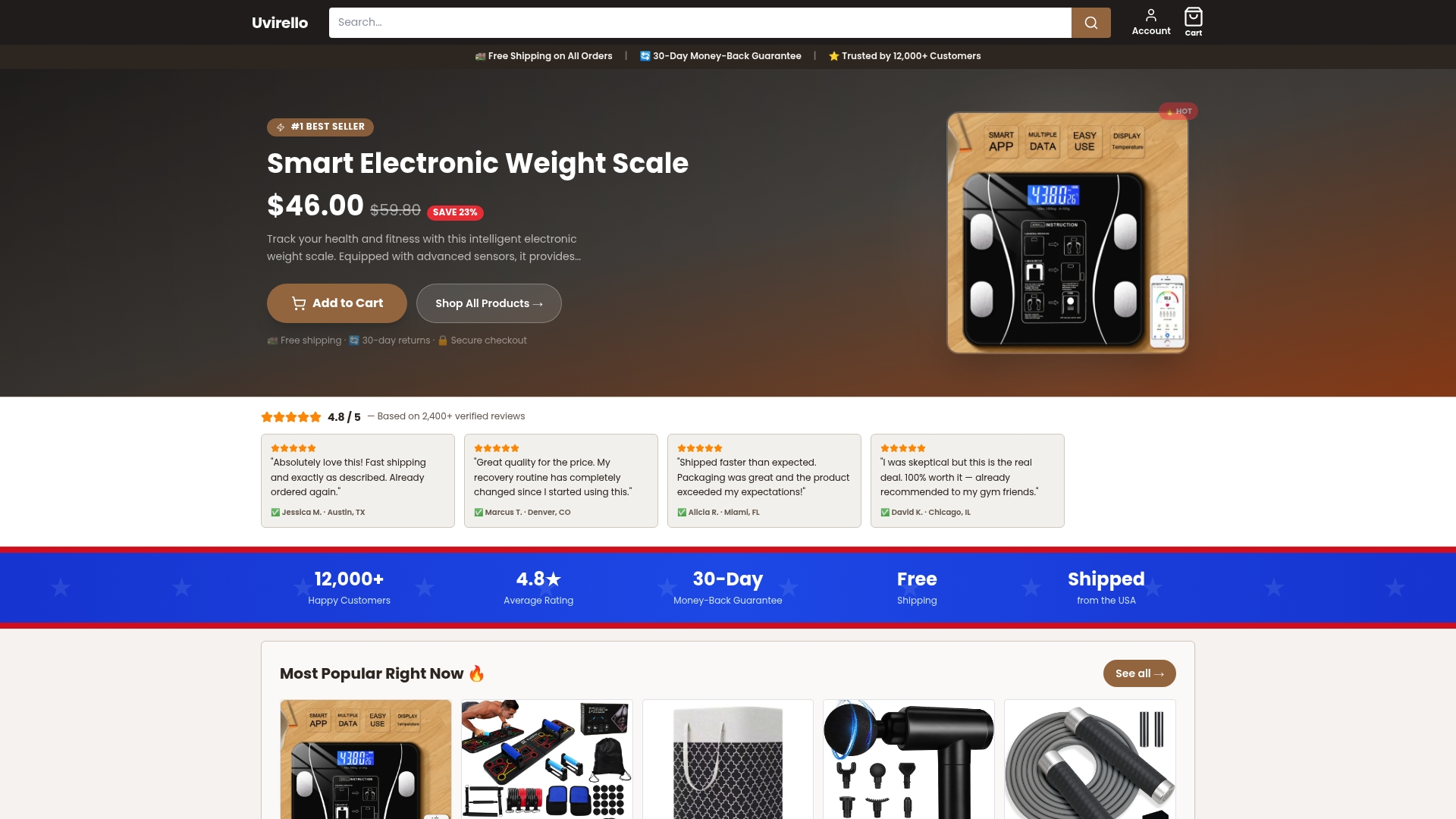
The Uvirello Smart Electronic Weight Scale measures body fat percentage, BMI, and muscle mass with high-precision sensors, giving desk workers the body composition data that step counters miss entirely. Over 12,000 customers rate it 4.8 out of 5, and the feedback is consistent: the metrics change how people make decisions about their fitness routines. If you are serious about monitoring your health progress beyond daily steps, Uvirello gives you the complete picture. Pair it with your existing wearable and you will have a tracking system that actually reflects what is happening inside your body, not just how far you walked.
FAQ
What is desk job fitness progress monitoring?
Desk job fitness progress monitoring is the practice of tracking physical activity, posture, and body composition metrics using wearables, apps, and smart scales to maintain measurable health improvements despite a sedentary work schedule.
How many minutes of exercise does a desk worker need weekly?
Medical guidelines recommend at least 150 minutes of moderate-intensity exercise weekly plus two muscle-strengthening sessions. The largest health gains come from moving from zero activity to that 150-minute threshold.
What are the best fitness apps for desk workers?
Fitbit, Apple Health, Google Fit, and geekfit are strong options for office fitness tracking. geekfit is specifically built for programmers and desk workers, with inactivity reminders and global hotkeys that fit into a workday without disrupting workflow.
How often should desk workers take movement breaks?
A 30–60 second movement break every hour is the recommended minimum. Breaking up sitting every 30 minutes with light activity like calf raises or seated twists provides metabolic benefits that gym sessions alone cannot replicate.
Does a smart scale improve fitness tracking for desk workers?
A smart scale adds body composition metrics like body fat percentage and muscle mass that wearables do not capture. These metrics show whether your activity habits are producing real physical changes, making your overall health monitoring strategy significantly more accurate.