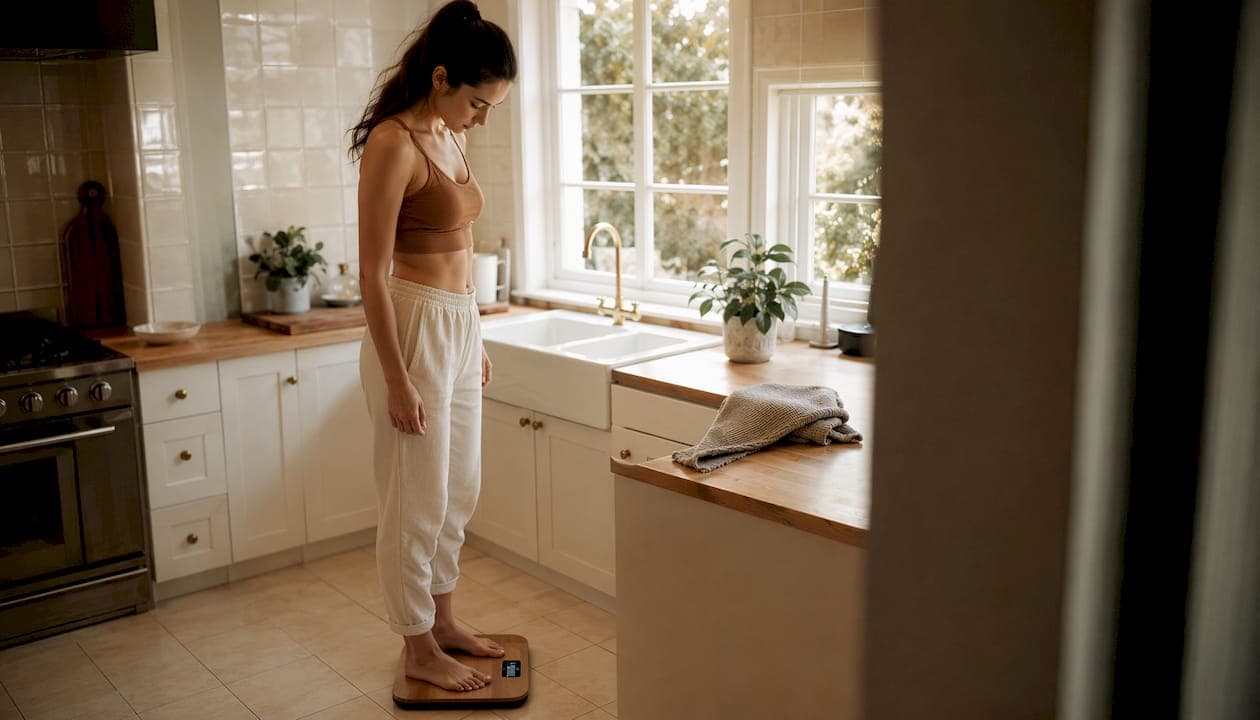
Smart scales handle multiple user profiles by automatically matching each weigh-in to a stored profile through weight comparison and biometric recognition, then syncing that data to a companion app. This process makes it possible for an entire household to share one device without mixing up data. Each person gets their own history, trends, and body composition metrics, including body fat percentage and BMI. Most current models support 8 to unlimited profiles, which means the technology scales from a couple tracking fitness goals to a large family with very different health needs. Understanding how this works helps you choose the right device and set it up correctly from day one.
How does automatic user recognition work on smart scales?
Automatic user recognition is the core technology that makes multi-user tracking practical. Without it, every household member would need to manually select their profile before stepping on the scale, which most people simply stop doing after a few days.
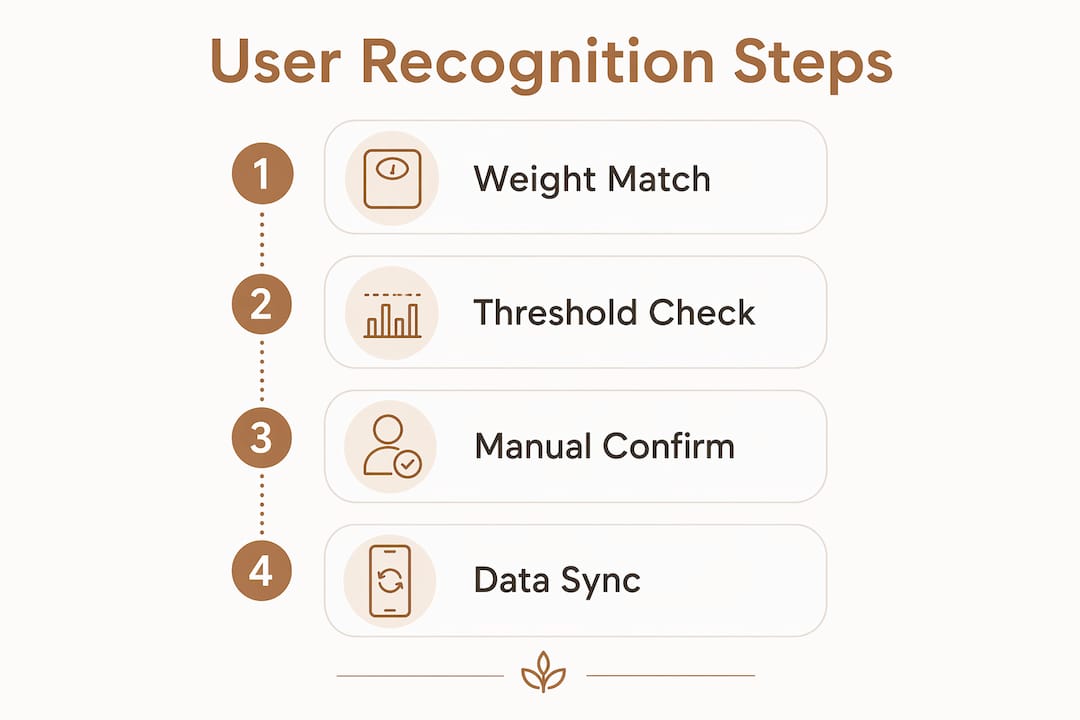
The most common method compares your current weight against every stored profile. Scales use a 6.5 lb recognition threshold to decide which profile to assign the measurement to. If your reading falls within 6.5 lbs of one stored profile and no other, the scale assigns it automatically. That threshold matters because it defines the minimum weight difference two household members need for the system to tell them apart reliably.
When two profiles fall within that margin, the scale cannot confidently assign the reading. At that point, most devices either prompt manual selection on the companion app or log the measurement as a guest entry. Manual selection prompts are the standard fallback, and they work well as long as the person actually responds to the notification.
More advanced models go beyond weight alone. Multi-factor recognition uses foot pressure distribution and step patterns to distinguish users even when their weights are nearly identical. This approach reduces the number of ambiguous readings significantly, though it requires more sophisticated sensors.
Key behaviors to understand about auto-recognition:
- Weight is the primary signal. The scale compares your reading to every stored profile before assigning data.
- The 6.5 lb gap is the practical minimum between two profiles for reliable automatic assignment.
- Ambiguous readings trigger manual prompts or default to a guest profile to protect data integrity.
- Biometric signals like foot pressure improve accuracy in models with advanced sensors.
- Rapid weight change can confuse the algorithm. A person losing weight quickly may temporarily fall into another profile's range.
Pro Tip: If two household members weigh within 10 lbs of each other, turn on manual confirmation in the app settings. It adds one tap per weigh-in but eliminates mixed data entirely.
How do you set up and manage multiple user profiles in companion apps?
Profile setup is where most families either get multi-user tracking right or create problems they spend months untangling. The companion app is the control center for everything the scale does.
Creating a profile typically follows this sequence:
- Download the companion app and create an account with a unique email address for each user.
- Enter personal details including height, age, sex, and fitness goals. These inputs calibrate body composition calculations like BMI and body fat percentage.
- Link the profile to the scale by pairing the app to the device via Bluetooth or Wi-Fi.
- Connect to health platforms such as Apple Health or Google Fit. Syncing with health apps centralizes all metrics in one place and enables trend notifications.
- Set a goal weight or body composition target so the app can show progress over time rather than just raw numbers.
Privacy is the most overlooked part of profile setup. Separate individual logins protect each person's data from being visible to others sharing the same device. When everyone logs into one master account, any household member with app access can see all profiles. Individual accounts prevent that entirely.
Profiles also need maintenance. When someone's weight changes significantly, such as during a fitness program or pregnancy, the stored profile data may no longer match the auto-recognition threshold. Updating the profile manually keeps the recognition algorithm accurate. Specialized modes for pregnancy or rapid weight loss are worth enabling when conditions change, because standard body composition algorithms are not calibrated for those physiological states.
Pro Tip: Choose a scale whose companion app lets you manage all household profiles from a single admin view. It makes it far easier to spot when someone's profile needs updating without logging in and out of multiple accounts.
What are the challenges of accurate multi-user tracking?
Accurate tracking across multiple profiles requires more than good hardware. The conditions under which each person weighs themselves matter just as much as the technology.
Consistent weighing conditions improve the accuracy of body composition metrics for every user. The standard recommendation is to weigh at the same time each day, wearing the same amount of clothing, on the same hard floor surface. Body water levels shift throughout the day, and that shift directly affects bioelectrical impedance readings for body fat and muscle mass.
The table below outlines the most common multi-user tracking challenges and the recommended response for each:
| Challenge | Why it happens | Best practice |
|---|---|---|
| Similar-weight users | Auto-recognition cannot distinguish profiles within 6.5 lbs | Enable manual confirmation in app settings |
| Rapid weight change | Profile weight drifts outside the recognition threshold | Update stored profile weight manually each month |
| Pregnancy or athlete physiology | Standard algorithms produce inaccurate body composition data | Activate the appropriate specialized mode |
| Data overlap from shared accounts | All profiles visible under one login | Set up individual accounts for each user |
| Inconsistent weigh-in timing | Body water fluctuation skews composition metrics | Weigh at the same time daily, preferably in the morning |
The value of a smart scale profile lies in tracking trends over time rather than reacting to individual readings. A single measurement that looks off is almost never meaningful. A consistent upward trend in body fat percentage over six weeks is. Families who understand this distinction use their scale data far more effectively.
Tracking body composition rather than weight alone gives each household member a clearer picture of their actual health progress. Weight fluctuates daily. Muscle mass and body fat percentage tell a more honest story.
What features improve the multi-user experience on smart scales?
The best multi-user scales do more than store profiles. They actively reduce friction for every person in the household.
High profile capacity is the starting point. Models supporting unlimited profiles remove any ceiling on household size and make the device future-proof. Entry-level scales that cap at four profiles create problems the moment a fifth family member wants to track their health.
Specialized physiological modes protect data quality for users who fall outside standard measurement assumptions. Pregnancy and athlete modes adjust how the scale processes bioelectrical impedance signals. Pregnant people and highly trained athletes have body compositions that standard algorithms misread. Enabling the correct mode produces readings that are actually useful rather than misleading.
App integration with platforms like Apple Health and Google Fit adds another layer of value. When each profile syncs to its own connected health account, the data flows into a broader picture of sleep, activity, and nutrition. That context makes the scale data more meaningful than it would be in isolation.
The privacy architecture of the companion app is a feature worth evaluating before purchase. Apps that require unique logins per user provide genuine data separation. Apps that allow all profiles under one master account are convenient but expose each person's metrics to anyone with app access. For families with teenagers or members tracking sensitive health conditions, individual accounts are not optional.
Functional modes like athlete and baby tracking also reduce the time each person spends managing their data manually. The scale handles the categorization; the person just steps on and steps off.
Key Takeaways
Smart scales assign measurements to individual profiles automatically using a weight threshold of 6.5 lbs, but accurate multi-user tracking also depends on consistent habits, proper app setup, and the right scale features for your household.
| Point | Details |
|---|---|
| Auto-recognition threshold | Scales need a 6.5 lb gap between profiles to assign readings without manual input. |
| Individual logins protect privacy | Separate accounts prevent household members from seeing each other's health data. |
| Consistent conditions improve accuracy | Weigh at the same time daily on a hard surface to get reliable body composition metrics. |
| Specialized modes matter | Pregnancy and athlete modes adjust algorithms for users outside standard physiological ranges. |
| Trends beat single readings | Dr. Katie Rosenfeld notes that long-term profile history is where smart scale data delivers real value. |
What I've learned from years of watching families use smart scales
Most families buy a smart scale, set up one profile, and wonder why the data feels meaningless after a month. The device is not the problem. The setup is.
The single biggest mistake I see is everyone sharing one account. It feels convenient at first. Then someone's weigh-in gets assigned to the wrong profile, the trends become noise, and the scale ends up in a closet. Individual accounts take five extra minutes to create and save months of frustration.
The second thing I'd push back on is the obsession with daily numbers. Health trends over time are what actually tell you something useful. A single reading that looks alarming is almost always a hydration artifact. A six-week trend in body fat percentage is a real signal worth acting on.
Auto-recognition is genuinely impressive technology, but it has a hard limit: it cannot reliably separate two people within 6.5 lbs of each other. If that describes two members of your household, do not fight the algorithm. Turn on manual confirmation and move on. One extra tap per weigh-in is a small price for clean data.
The families who get the most out of multi-user scales are the ones who treat the setup phase seriously. Correct personal details, individual accounts, and the right physiological mode for each person. After that, the scale does the work.
— Jacob
Uvirello and multi-user health tracking
Accurate health tracking for the whole household starts with a scale that handles the complexity for you.
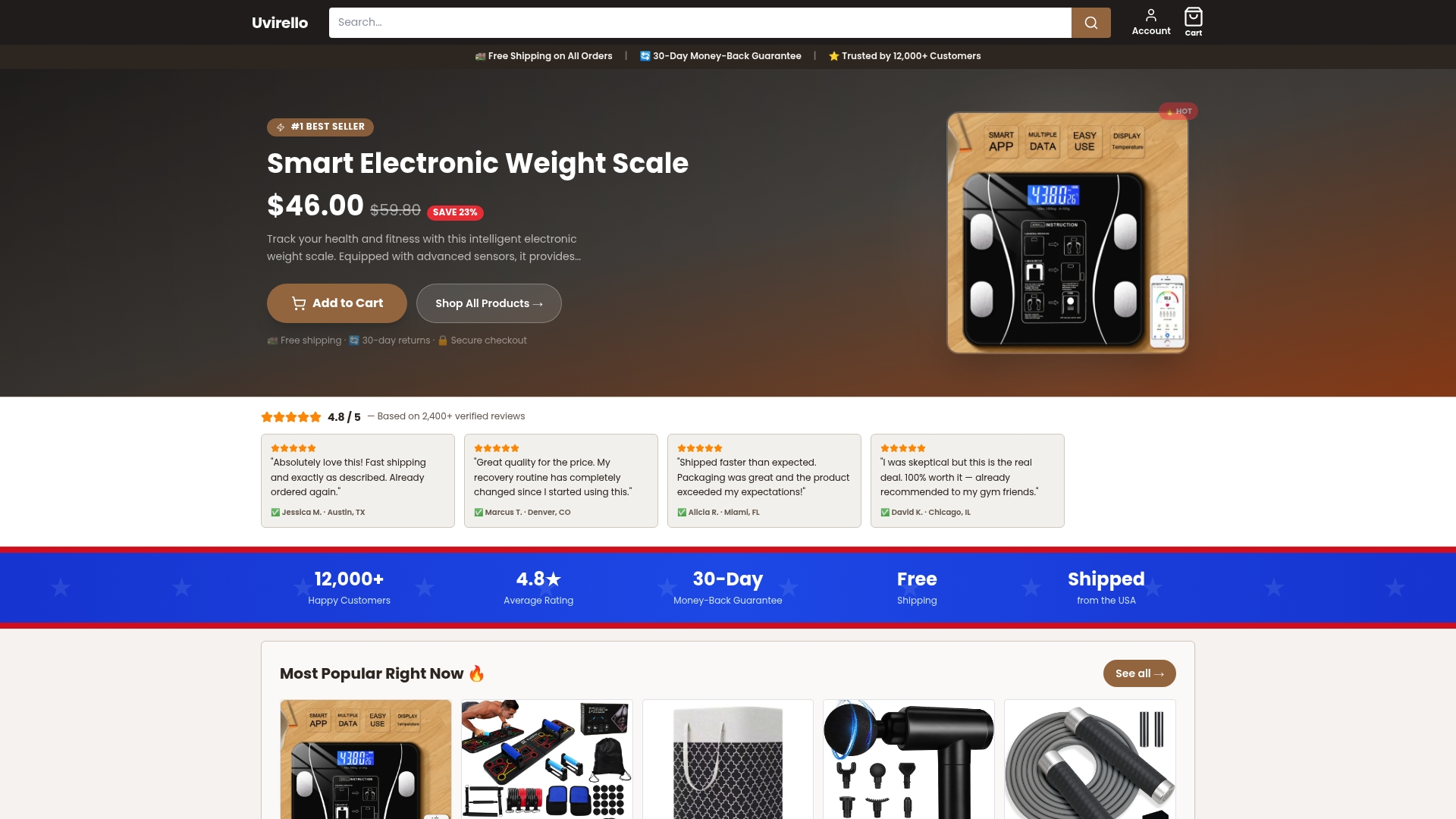
Uvirello's Smart Electronic Weight Scale is built for exactly this. It delivers body fat percentage, BMI, and a full range of body composition metrics through high-precision sensors, with data that syncs cleanly to each user's profile. Over 12,000 customers have rated it 4.8 out of 5, and the feedback consistently points to one thing: the insights it provides change how people approach their health. Whether you are tracking solo or managing profiles for your whole family, the Uvirello smart scale gives every person in your household the data they need to make real progress.
FAQ
How many user profiles can a smart scale support?
Most current smart scales support 8 to unlimited profiles through their companion apps. The exact number depends on the model, so check the spec sheet before purchasing if your household is large.
What happens when two users have very similar weights?
When two profiles fall within the 6.5 lb recognition threshold, the scale cannot assign the reading automatically. It will prompt manual selection in the app or log the measurement as a guest entry to prevent data overlap.
Can a smart scale track body composition for pregnant users?
Standard body composition algorithms are not accurate for pregnant people. Scales with a dedicated pregnancy mode adjust their signal processing to provide safer, more relevant readings during that period.
Is my health data private if I share a scale with my family?
Data privacy depends on how the app is configured. Separate individual accounts give each person genuine privacy. Sharing one master account means all profiles are visible to anyone who has app access.
How often should I update my profile on a smart scale?
Update your profile whenever your weight changes by more than 5–10 lbs or when your health status changes significantly, such as starting an intense training program or becoming pregnant. Keeping the stored profile current maintains auto-recognition accuracy.