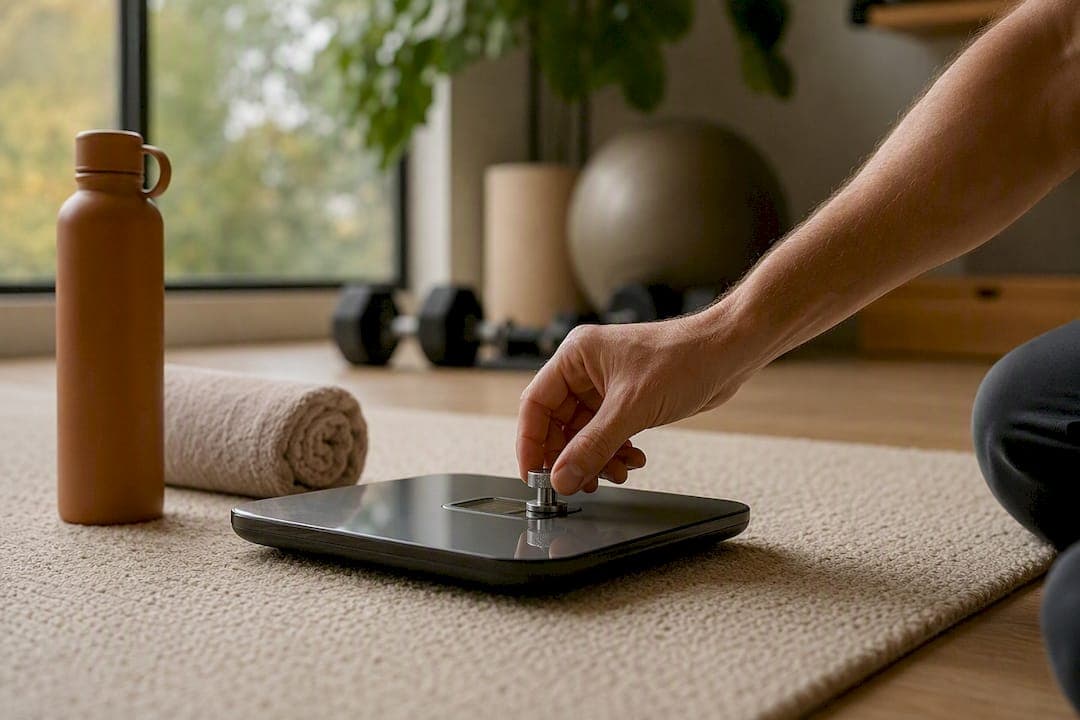
Set your scale on a hard, level surface, power it fully off, then turn it on and let the display settle at 0.0 before stepping on. Tap the platform lightly to wake the sensors first if it's been sitting idle. Then verify the result against a known weight, like a 5 or 10 pound dumbbell. If it's off by more than a pound or two, keep reading.
TL;DR:
- Most home scales rely on automatic zeroing or a single-point check, which may not ensure accuracy across the entire weight range.
- Calibrating a digital scale involves zero-resetting or using built-in calibration modes with specific test weights, requiring proper setup on a hard, level surface.
- Routine verification with known weights and checking for inconsistent readings across different surfaces can prevent unnoticed inaccuracies.
- Moving or changing batteries can cause scale errors, so recalibration is recommended after these events and regularly about once a quarter.
- Uvirello’s smart scale automates calibration at each power-up, reducing user effort and providing more consistent measurements.
Table of Contents
- What Does It Mean to Calibrate a Digital Scale?
- How Do You Calibrate a Digital Scale Step by Step?
- How Do You Verify Scale Accuracy With Known Weights?
- Why Is My Scale Reading Inconsistent or Drifting?
- How Often Should You Calibrate a Digital Scale?
- What Has Uvirello Learned From Testing Smart Scales?
- A Quick Checklist Before You Trust Your Next Weigh-In
- Get a Scale That Handles the Calibration Guesswork for You
- Where to Learn More About Scale Calibration Standards
- Sources
What Does It Mean to Calibrate a Digital Scale?
Calibrating a digital scale usually means one of two very different things, and mixing them up is where most people go wrong. The first is a zero-reset: telling the scale that "no weight" equals zero. Every bathroom and kitchen scale does this automatically each time you power it on. The second is true calibration, sometimes called span calibration, which checks the scale's accuracy across its full weight range using a known reference mass and adjusts the internal math to correct any error.
For legal-for-trade use, like a scale weighing produce at a farmer's market or a shipment for sale, certified traceable calibration is required by law. The NIST Handbook 44 sets the tolerances and technical requirements that commercial scales must meet in the United States. Home bathroom and body-composition scales don't fall under that requirement, which is exactly why manufacturers build in simpler self-check routines instead.
Most consumer digital scales rely on one of two approaches:
- Automatic internal zeroing that resets the baseline every time you step off and the scale powers down.
- A single-point check using a known weight, which confirms accuracy at roughly the weight range you actually use, without adjusting the full measurement curve.
That's a meaningful limitation. A scale that reads correctly at 150 pounds might drift by a pound or more near 250, because a single-point check never touches the rest of the curve. For nearly all home users, that gap doesn't matter enough to justify a lab visit. It's worth knowing it exists.
How Do You Calibrate a Digital Scale Step by Step?
Before touching any buttons, set the scale on a hard, level floor. Tile, hardwood, or concrete work well. Carpet is the single biggest cause of bad readings because it compresses unevenly and confuses the load sensors underneath the platform. Swap in fresh batteries if yours are more than a few months old, and give the scale a few minutes to reach room temperature if it just came in from a cold car or a garage.
Center your weight (or the test weight) directly over the middle of the platform. Standing off to one side, even by a few inches, can throw off a reading by a pound or more on cheaper models, since the sensors are calibrated to expect even load distribution.
Method A: Zero-reset sequence
- Power the scale fully off, or remove a battery for five seconds if it has no off button.
- Place it on the hard, level surface you've chosen.
- Power it on and wait until the display reads a stable 0.0.
- Step on and stand still until the number locks.
- Step off, let it power down naturally, and repeat once to confirm consistency.
This is all most users ever need, and it takes under a minute.
Method B: Built-in CAL mode
Some scales, especially higher-end models and smart scales with body-composition sensors, have a dedicated calibration mode. Check your manual or the underside of the scale for a small "CAL" button. Typically, you'll press and hold it until "CAL" or "0.0" flashes on the display, then place a specified test weight (often printed in the manual) on the platform within a set time window. The scale beeps or flashes when it accepts the reading. Manufacturer guides, including Eufy's calibration walkthrough, lay out this exact sequence for app-connected models, and following the maker's specific steps beats guessing.
Method C: External weight verification
If your scale has no CAL mode, you can still verify it using a certified calibration weight, a sealed bag of rice or sand you've pre-weighed elsewhere, or a set of quarters and nickels. The classic substitute is 20 nickels, which weigh almost exactly 100 grams combined, a method detailed in ScaleCalibration's practical guide. A gym dumbbell with its weight stamped on the side also works well for anything checking accuracy above 20 pounds.
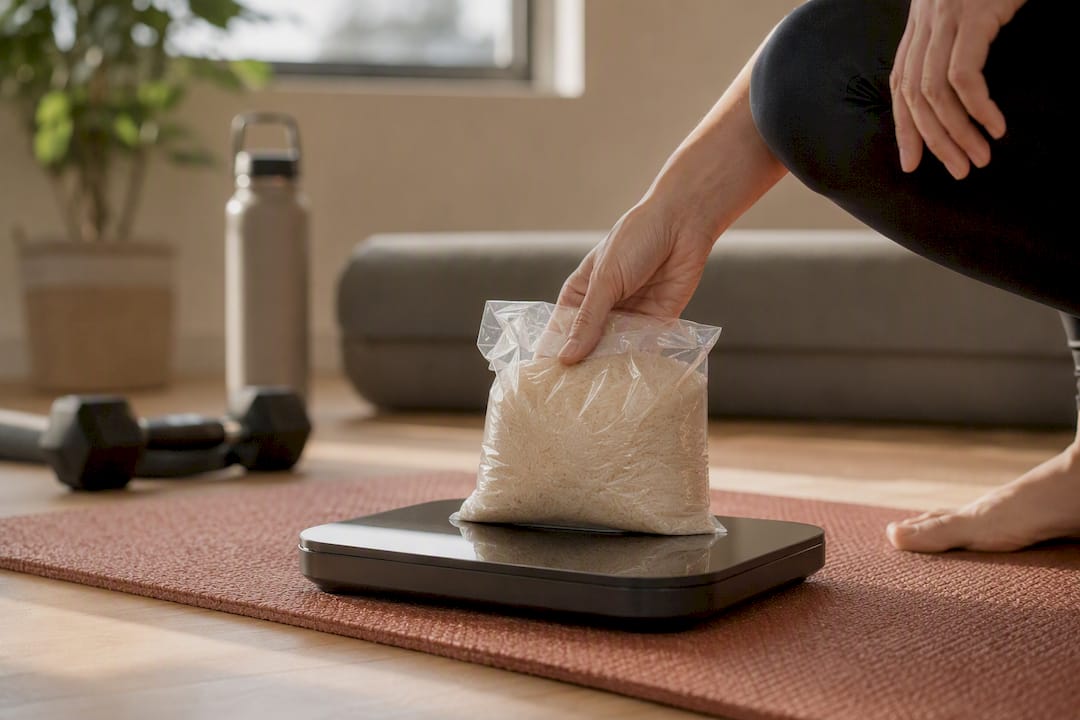
Pro Tip: Keep a small log with the date, the weight you used, and the reading you got. Two data points three months apart tell you whether your scale is drifting or just having an off day.
A few safety notes matter more than people expect. Never exceed the scale's rated maximum weight during testing, since overloading a load cell even briefly can cause permanent damage. Keep test weights centered and stable rather than dropping them onto the platform, and avoid calibrating on a heated floor or near a space heater, since temperature swings affect the sensors mid-test.
How Do You Verify Scale Accuracy With Known Weights?
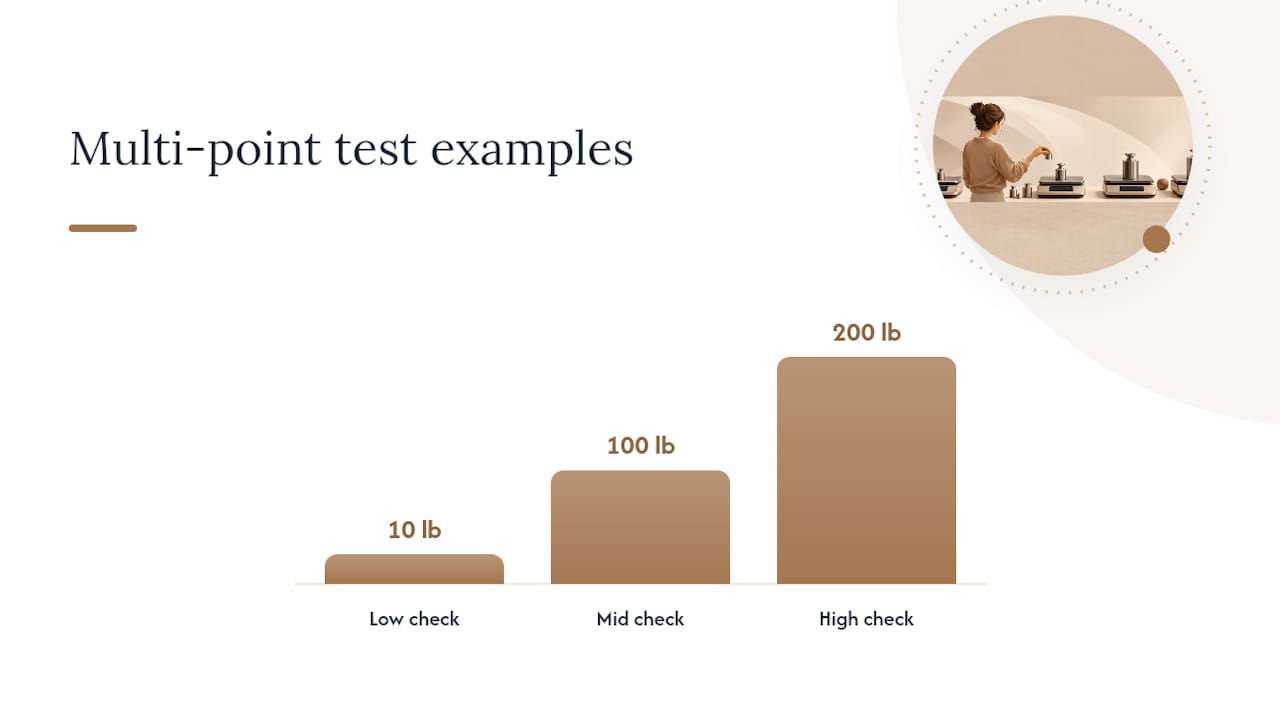
Single-point testing means checking the scale at one weight, usually somewhere close to what you actually weigh. It's fast and good enough for routine home use. Multi-point testing checks the scale at two or three weights spread across its range, say 10, 100, and 200 pounds, and it's the only way to catch a scale that's accurate in one zone but drifting in another.
To run a multi-point check at home:
- Weigh a known object (a dumbbell, a filled water jug you've pre-measured) at the low end of your typical range.
- Repeat with a heavier item near the top of what you'd realistically weigh.
- Compare both readings against the actual known values and note the difference in each case.
The 20-nickel trick (100 grams) works for small, low-stakes checks, but it has real limits. It only tests one narrow point near zero, and coin wear or dirt can shift the total by a gram or two, enough to matter if you're chasing precision rather than a rough gut check.
So what counts as "off"? For a typical home bathroom scale, a small deviation within about a pound is normal and not worth worrying about. Beyond that, especially if it's consistent across repeated tests, something's wrong. It also helps to remember that Cleveland Clinic notes normal day-to-day body weight can shift by 2 to 6 pounds due to hydration, food, and sodium intake, which has nothing to do with the scale itself. Don't mistake your body's natural fluctuation for a calibration failure.
Why Is My Scale Reading Inconsistent or Drifting?
Start with the floor, always. Move the scale to a different hard, level surface entirely, not just a different spot on the same carpet, and test again. If the reading changes meaningfully between locations, the surface was the problem all along, not the scale.
- Move the scale to a confirmed hard, flat floor away from rugs or uneven tile.
- Replace the batteries even if they still show partial charge, since low voltage causes erratic sensor behavior before a scale dies completely.
- Perform a full power-off, ten-second wait, then power back on and let it zero naturally.
- Retest with the same known weight you used before, in the same spot.
- If the number still won't hold steady, check the feet and the underside of the platform for warping, debris, or a cracked corner.
Error codes and unexplained resets are usually tied to one of those same causes, low battery being the most common culprit by far. If a scale checks out fine on a hard floor with fresh batteries and a clean platform, but still reads wrong, the issue is probably mechanical. A damaged load cell or a loose foot can't be fixed through calibration or reset. At that point, repair or replacement makes more sense than repeated troubleshooting.
Pro Tip: If you just moved apartments or houses, recalibrate before you trust a single reading. Floors vary more than people expect, and a scale that read perfectly in your old bathroom can be off by a pound or two on a new one.
How Often Should You Calibrate a Digital Scale?
Calibrate right after initial setup, after any move, immediately following a battery change, and any time you notice a reading that seems off from your recent trend. Beyond those triggers, Troemner's guidance for balances and digital scales suggests frequency should scale with how often and how critically you rely on the device, daily for lab equipment, far less often for a bathroom scale.
For a typical home user, this routine covers it:
- Monthly: a quick zero-reset and stability check, no test weight needed.
- Quarterly: a full known-weight verification using a dumbbell or pre-weighed object.
- After any trigger event: move, battery change, drop, or a reading that breaks from your normal trend.
Storage matters more than people assume. Keep the scale flat rather than propped on its edge, away from direct sun and radiator heat, and off carpet even when it's not in use. Wipe the platform occasionally, since dust buildup under the edges can throw off contact with the sensors over time. None of this takes more than a few minutes a month, and it's the difference between trusting your numbers and second-guessing them every time you step on.
What Has Uvirello Learned From Testing Smart Scales?
Uvirello's engineering team built internal auto-calibration into the Smart Electronic Weight Scale specifically so most users never have to think about manual CAL mode at all. Every power-up runs a quick internal zero-check before the display goes live, and the high-precision sensors are tuned to hold steady across the full body-weight range rather than just one narrow point.
That said, no scale replaces good verification habits. We recommend pairing the scale with its companion app, since syncing your readings lets you compare a fresh weigh-in against your historical trend line instantly, which is often the fastest way to spot a real drift versus a normal fluctuation. If you see body-composition numbers like body fat percentage jump sharply overnight, that's usually hydration or timing, not a broken sensor.
A few habits worth building in:
- Weigh in at the same time of day for comparable trend data.
- Cross-check the app's reading against a known weight every few months.
- Watch the trend line, not the single number, when judging whether your scale needs attention.
Author Jacob covers scale accuracy and home health tracking regularly on Uvirello's blog.
A Quick Checklist Before You Trust Your Next Weigh-In
If you take one thing from this guide, make it this: hard floor, known weight, and a routine you actually stick to. Those three habits solve the vast majority of "my scale is lying to me" complaints I've seen readers describe. Skip the carpet, skip the guesswork, and don't panic over a pound of difference between Tuesday and Wednesday, since your body does that on its own regardless of what the scale says.
What I've found people underestimate is how much a $6 pack of nickels or a dumbbell already sitting in their garage can tell them. You don't need a lab. You need ten minutes and a flat floor.
— Jacob
Get a Scale That Handles the Calibration Guesswork for You
If manually zero-resetting and running known-weight checks every few months sounds like more upkeep than you want, that's exactly the gap Uvirello's Smart Electronic Weight Scale was built to close. Its high-precision sensors run an internal check on every power-up, and pairing it with the companion app means you can compare a new reading against your trend history in seconds instead of pulling out a dumbbell.
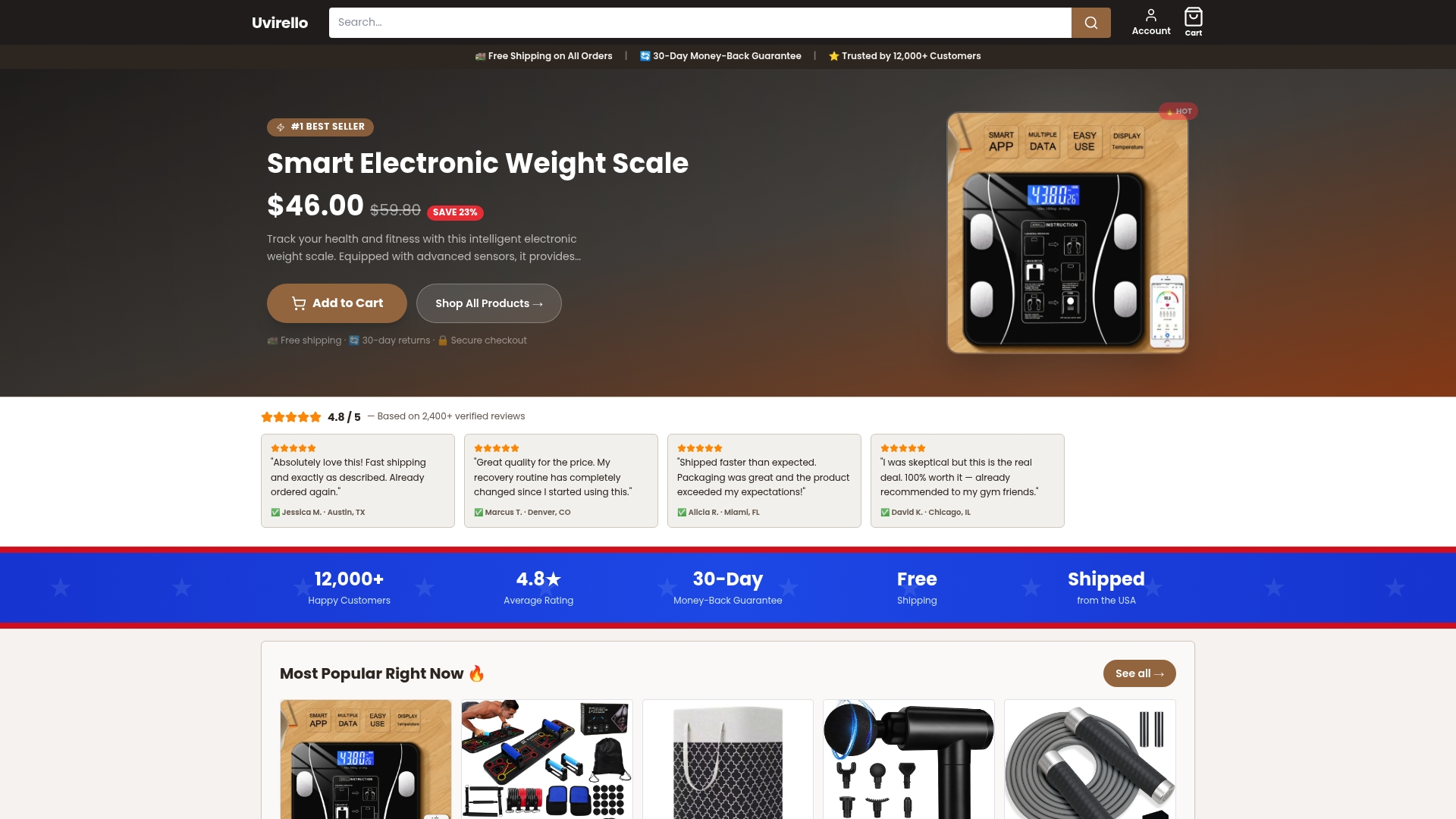
Over 12,000 customers have rated the scale 4.8 out of 5, and the combination of sleek design with straightforward, no-fuss accuracy is a big part of why. If you're ready to stop second-guessing your bathroom scale, check out the Uvirello Smart Electronic Weight Scale and see the full specs for yourself.
Where to Learn More About Scale Calibration Standards
- The NIST Handbook 44 covers legal-for-trade tolerances for anyone selling goods by weight.
- Troemner's calibration guide breaks down step-by-step balance and scale calibration frequency.
- Cleveland Clinic explains why daily weight naturally swings by several pounds.
- ScaleCalibration offers practical DIY methods, including the coin-substitution trick.
- Eufy's guide walks through app-based smart-scale calibration flows.
Sources
- NIST Handbook 44: Specifications, tolerances, and other technical requirements (weighing)
- Calibrating balances and digital scales: A how to guide — Troemner
- Why your weight fluctuates — Cleveland Clinic
- Scale Calibration: The Complete Guide — ScaleCalibration
- How to calibrate smart weigh scale: A step-by-step guide — Eufy