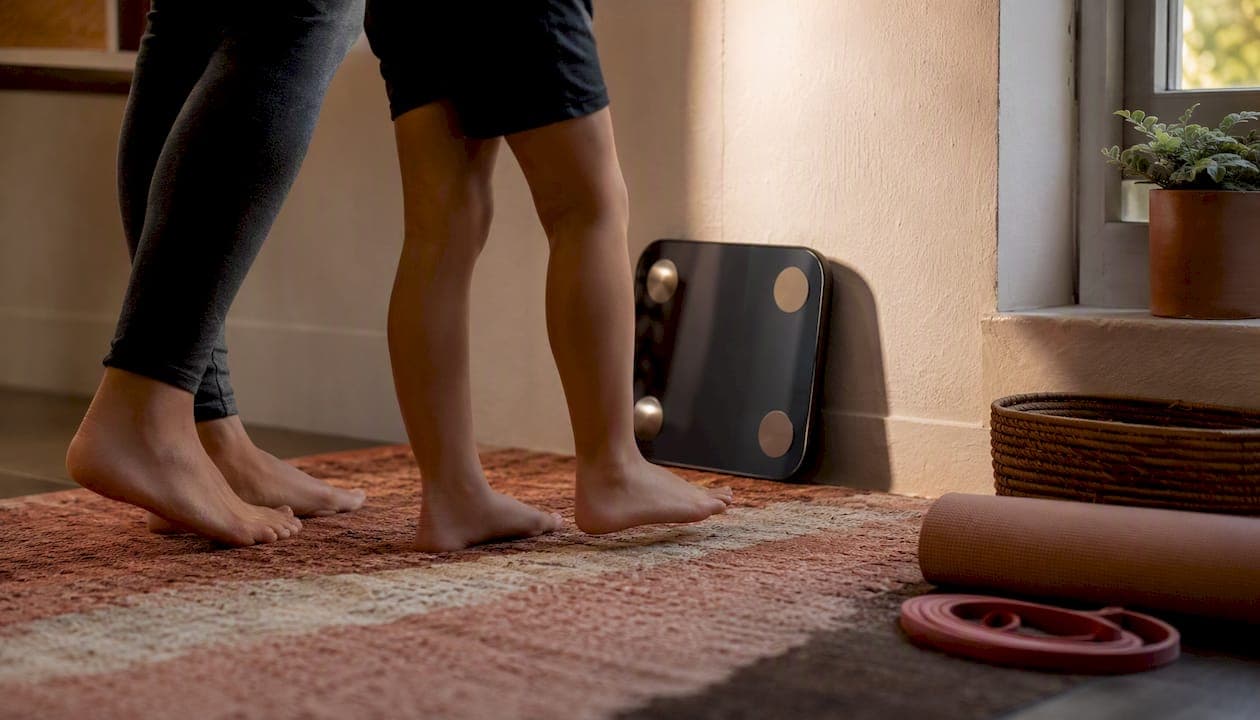
The fastest path to a reliable multi-user scale setup is this: create individual app profiles for every household member, run a verified baseline weigh-in for each person, turn on multi-factor recognition if your scale offers it, and manually confirm the app assignment for the first five weigh-ins per person. That last habit alone prevents most of the mix-ups families run into.
- Individual profiles beat one shared login every time
- Multi-factor recognition (weight plus bioimpedance signals) narrows down guesswork
- Manual confirmation for the first five readings trains the system and catches errors early
Uvirello's Smart Electronic Weight Scale fits this approach well, pairing high-precision sensors with multi-user profile support built for exactly this scenario. The underlying tech is bioelectrical impedance analysis (BIA), and a multi-parameter identification patent shows how combining weight with other signals improves recognition accuracy.
A scale that only matches by weight is guessing. One that cross-references bioimpedance, footprint pressure, and habit patterns is actually identifying you.
Key Takeaways
A reliable multi-user scale setup depends on individual app profiles, verified baseline readings, and routine spot-checks rather than blind trust in automatic recognition.
| Point | Details |
|---|---|
| Build separate profiles first | Enter accurate age, height, and sex for each household member before the first weigh-in. |
| Verify the first five readings | Manually confirm profile assignment early so the recognition system calibrates correctly. |
| Keep conditions consistent | Weigh in barefoot, at the same time daily, on a hard level surface for comparable trends. |
| Use special modes correctly | Switch to athlete, pregnancy, or child profiles instead of forcing everyone into one adult baseline. |
| Choose hardware built for households | Uvirello's Smart Electronic Weight Scale combines high-precision sensors with multi-profile support and syncs to Apple Health and Health Connect. |
Table of Contents
- How Does Multi-User Recognition Work On A Home Gym Scale?
- Setting Up A Shared Scale For Multiple Household Users
- What Daily Habits Keep Multi-User Data Accurate?
- What Affects Accuracy And How Do You Get Consistent Readings?
- How Do Special Modes Like Pregnancy Or Pet Work?
- How Do You Fix A Misidentified Reading Or Sync Failure?
- What Specs Matter Most When Buying A Multi-User Scale?
- Why Uvirello's Smart Electronic Weight Scale Fits Households
- A Publisher's Note On Trusting The Numbers
- Sources
How Does Multi-User Recognition Work On A Home Gym Scale?
Most scales start with weight-matching: the device sees a number, compares it to stored profiles, and picks the closest match. That works fine until two people in the house weigh within a few pounds of each other, which is more common than you'd think in households with teens or partners of similar build.
Better scales layer on bioelectrical impedance analysis, sending a faint electrical current through your body to estimate fat, muscle, and water content. Because everyone's impedance signature differs slightly even at the same weight, it adds a second identifying layer. A patent covering biometric monitoring identification describes combining weight with bio-impedance vectors, footprint or pressure patterns, and even habitual weight distribution to sort out who's who. Some devices also learn behavioral quirks over time, like which foot you step up with first.
- Weight-matching alone: fast but unreliable for similar-weight users
- BIA plus behavioral signals: slower to "learn" but far more accurate over weeks of use
Pro Tip: Even with automatic recognition turned on, manually confirm your identity for the first three to five weigh-ins. That's the window where the algorithm is still calibrating to your specific signature.
Setting Up A Shared Scale For Multiple Household Users
Getting a home gym for multiple users right starts before anyone steps on the platform.
- Open the companion app and create a separate profile for each person, entering accurate birth year, height, and sex where the app asks for it. These fields directly affect body fat and BMI calculations, so guessing wastes the whole point of tracking.
- Set the scale on a hard, level floor. Carpet and uneven tile throw off both the weight reading and the impedance signal.
- Connect it to your home Wi‑Fi so results sync to the cloud instead of sitting stranded on the device.
- Take each person's first baseline weigh-in under identical conditions: same time of day, barefoot, light clothing, no heavy meal or workout beforehand.
- If your model offers handle grips or segmental electrodes, use them for the initial reading and record five verified weigh-ins per person to train recognition.
- Confirm sync to Apple Health or Google Fit / Health Connect if your household already lives in one of those ecosystems
- Double-check each profile's photo or initials before anyone else uses the scale
Skipping the baseline step is the single most common reason families end up with messy, contradictory data six weeks in.
What Daily Habits Keep Multi-User Data Accurate?
Good hardware doesn't fix bad habits. A shared home gym setup stays clean when everyone follows a few small, boring rules consistently.
- Glance at the app screen for the first several weigh-ins each week to confirm it's showing the right name, not just trusting the auto-match
- Establish a simple stepping order in the household (kids first, then adults) so similar body weights don't get shuffled
- Use distinct profile photos or initials so a quick glance settles any doubt
- Keep automatic cloud sync on, but spot-check assignments monthly rather than assuming the system never drifts
- Pro Tip: When a guest or visitor steps on the scale, disable automatic composition scanning first. Otherwise you'll end up with a stray "Guest 1" profile cluttering your data for months.
Consistency here matters more than any single feature on the box.
What Affects Accuracy And How Do You Get Consistent Readings?
Body composition scales are sensitive to more than just your name. Hydration level, time of day, recent exercise, clothing, whether you're barefoot, and even how level the scale sits on the floor all shift the number you see.
- Weigh in at the same time daily, ideally after using the restroom and before breakfast
- Log any unusual conditions (illness, travel, heavy workout) in the app if it allows notes
- Understand that a scale with more electrodes and segmental analysis, tracking arms and legs separately, gives finer detail on muscle versus fat shifts than a basic two-electrode model
According to Live Science's breakdown of smart-scale technology, BIA readings can swing meaningfully based on hydration and recent activity, so day-to-day comparisons matter less than the trend line over several weeks.
How Do Special Modes Like Pregnancy Or Pet Work?
Most multi-user scales include modes beyond standard adult tracking. Baby, pet, and luggage modes typically strip out composition sensors entirely and just record weight, since BIA readings on infants or animals aren't meaningful.
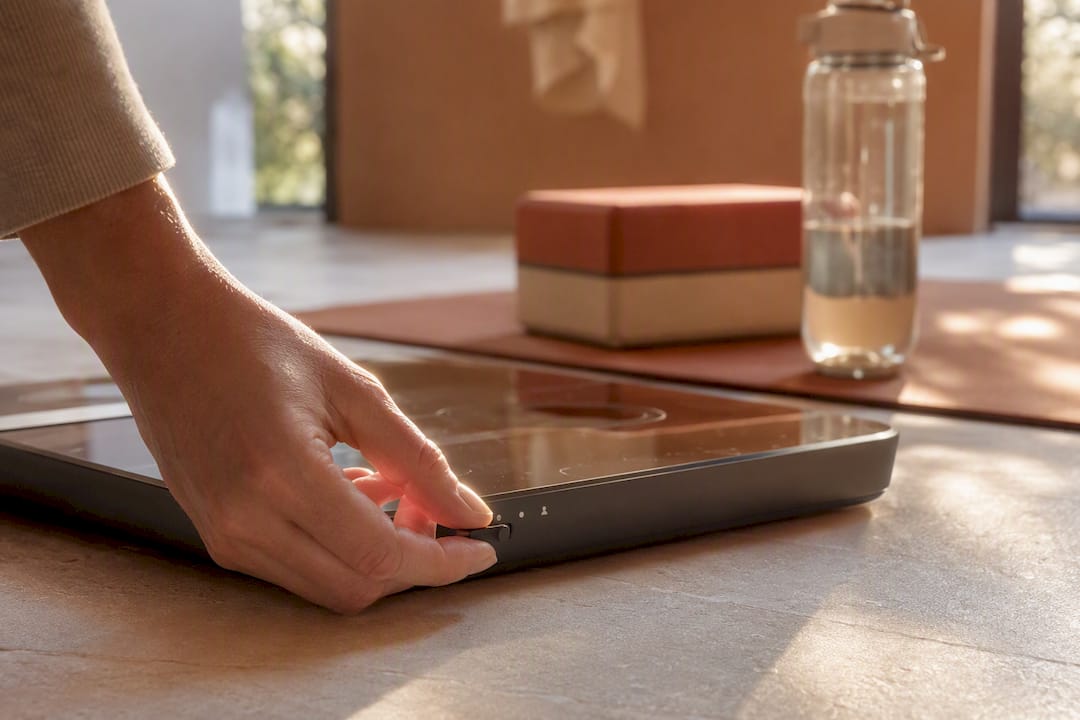
Athlete mode adjusts the underlying formula for people with unusually low body fat or high muscle mass, since standard algorithms can otherwise misread a lean athlete's composition. Pregnancy mode does something similar, disabling or altering composition estimates that would be inaccurate and potentially unhelpful during that time. For children, set up a distinct profile with age-appropriate baselines rather than folding them into an adult's history, and consider a longer measurement cadence since growth spurts naturally shift numbers.
How Do You Fix A Misidentified Reading Or Sync Failure?
Wrong-profile readings and sync gaps are the two most common complaints, and both have quick fixes.
If a weigh-in lands on the wrong profile: manually reassign it in the app, then take three confirmed weigh-ins in a row so the device relearns your signature.
If data won't sync: check whether the app is set to Wi‑Fi or Bluetooth, confirm background sync permissions are enabled on your phone, and check for a pending firmware update.
If numbers look implausible:
- Confirm feet are bare and making full contact with the sensor plates
- Check that the scale sits on a hard, level surface
- Wipe the sensor plates clean
- Take two or three repeat measurements and average them
Most issues resolve inside five minutes using this sequence.
What Specs Matter Most When Buying A Multi-User Scale?
Not every scale on the market handles multi-user fitness equipment demands equally well. Before buying, check these five things:
- User capacity — how many profiles the app supports, and whether it's a hard cap or effectively unlimited through cloud accounts
- Connectivity — Wi‑Fi models sync automatically without a phone nearby; Bluetooth-only models require your phone within range every time
- Sensor configuration — electrode count and whether segmental (limb-by-limb) analysis is available
- App quality — how easily you can manage profiles, manually reassign a misread weigh-in, and sync with Apple Health or Health Connect
- Trust signals — firmware update history, clear privacy controls over who sees whose data, and verified customer reviews
- A scale that nails the first three but has a clunky app will frustrate a household faster than one with slightly fewer electrodes
Why Uvirello's Smart Electronic Weight Scale Fits Households
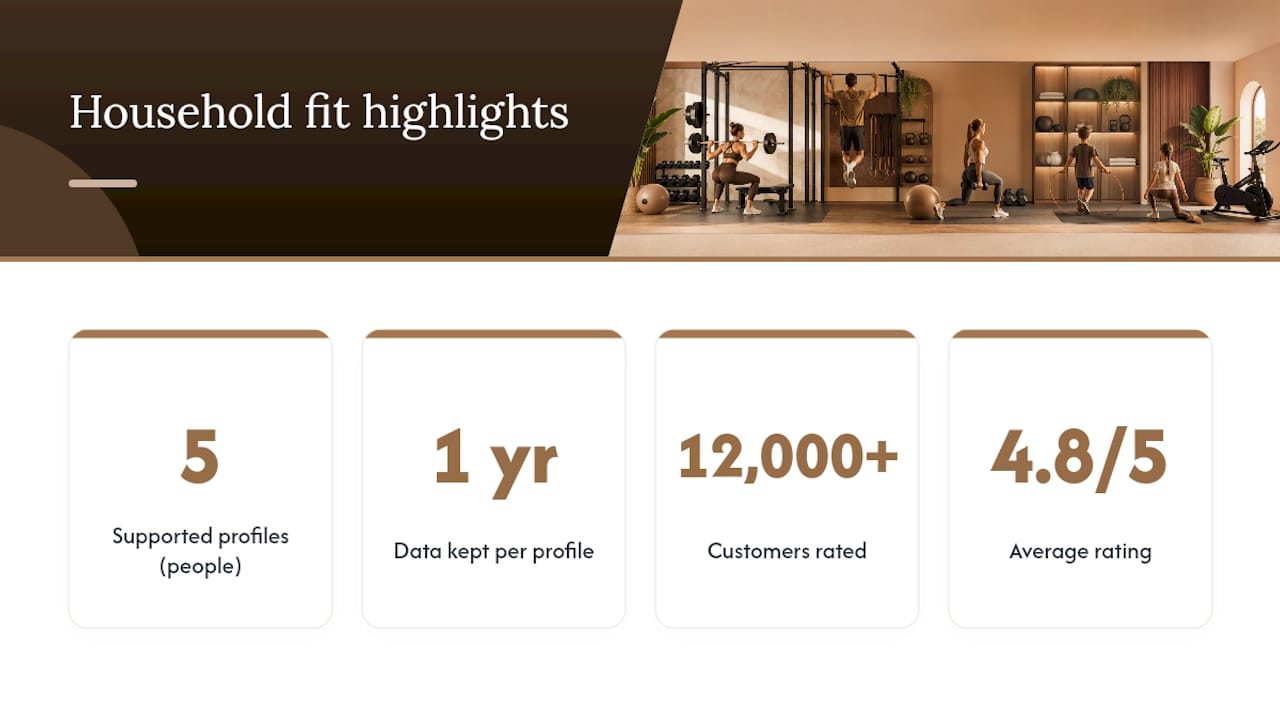
If you've made it this far, you already know the real challenge isn't finding a scale that weighs accurately. It's finding one that keeps five different people's data straight for a year without a headache. That's the exact problem Uvirello's Smart Electronic Weight Scale was built to solve.
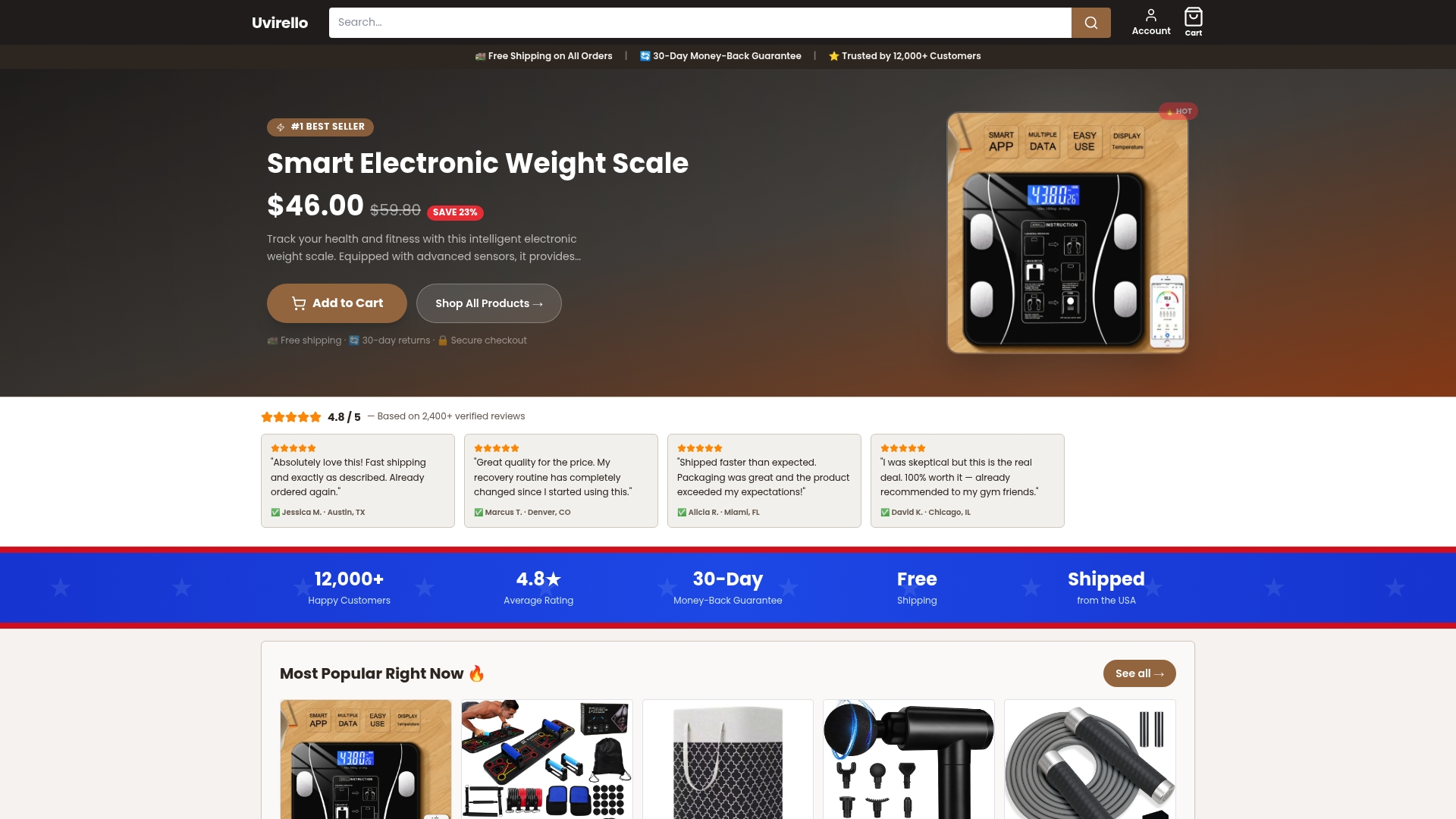
The scale pairs high-precision sensors with body fat percentage, BMI, and additional composition metrics, wrapped in an interface built for setting up multiple profiles without digging through confusing menus. It syncs to Apple Health and Google Fit / Health Connect, so whichever ecosystem your household already uses, the data lands where you'll actually look at it. More than 12,000 customers have rated it an average of 4.8 out of 5, which tells you this isn't a device that looks good on paper and falls apart in daily use.
For deeper guidance on keeping profiles clean over time, Uvirello's guide on handling multiple user profiles walks through the verification habits that matter most after the first month. If you're ready to set up a shared scale that actually keeps everyone's numbers straight, the Smart Electronic Weight Scale is available directly from Uvirello's site.
A Publisher's Note On Trusting The Numbers
Automatic recognition is a convenience feature, not a guarantee. The technology behind it, bioimpedance signatures and behavioral patterns, is genuinely clever, but it still benefits from a human double-check in those first few weeks. Follow the checklist, verify early, and the payoff is months of clean, trustworthy data.
Sources
For a deeper technical grounding, Live Science's explainer on smart-scale accuracy covers BIA limitations in detail. The multi-parameter identification patent explains the technical side of user recognition. For setup help, see Uvirello's guides on managing multiple profiles and why body composition beats a plain weight number.
- How do smart scales measure body composition, and how accurate are they? | Live Science
- User identification by biometric monitoring device (US Patent 10624561)