
You can lock down the health data your smart scale collects in about ten minutes by tightening a handful of app settings, choosing a device built with privacy controls, and turning off cloud sync you don't actually need. Most of the exposure risk isn't dramatic hacking. It's routine data sharing with analytics companies, ad networks, and cloud subcontractors buried in a privacy policy nobody reads.
A few facts matter more than the rest. Most consumer smart scales fall outside HIPAA, so the legal floor protecting your weight, body fat percentage, and BMI history is whatever the manufacturer's privacy policy says, not federal medical-privacy law. Bluetooth and Wi-Fi transport security also varies a lot between brands, and weak pairing encryption or missing TLS on cloud uploads is one of the more overlooked interception points in home fitness gear. The Federal Trade Commission has published specific expectations here, including data minimization, encryption, and easy deletion tools for any company building a health app.
Do these three things today:
- Open your scale's app and turn off location, contacts, and camera permissions. Body composition tracking doesn't need any of them.
- Change your account password to something unique, and turn on multi-factor authentication if the app offers it.
- Find the research and advertising opt-out toggles in settings and switch them off.
Pro Tip: Check whether your scale app has a "local storage only" or "offline mode" option before you ever open the cloud sync toggle. If it exists, your daily weigh-ins never have to leave your phone.
Key Takeaways
Securing your smart scale's health data comes down to tightening app permissions, using a unique password with multi-factor authentication, and choosing a device with local storage and clear deletion tools.
| Point | Details |
|---|---|
| Strip unnecessary permissions | Turn off location, camera, and contacts access for your scale app immediately. |
| Secure your account | Use a unique password and multi-factor authentication instead of social sign-in. |
| Opt out of third-party sharing | Disable research and advertising toggles buried in app settings. |
| Export before you delete | Uninstalling the app never removes data already stored in the cloud. |
| Choose Uvirello for privacy signals | Uvirello's scale offers local storage options, export tools, and regular firmware updates. |
Table of Contents
- How Smart Scales Collect and Transmit Your Health Data
- Immediate Actions to Secure an Existing Scale and App
- What Should You Look for in a Privacy-Focused Smart Scale?
- Why Third-Party Sharing Is the Bigger Privacy Risk
- What Technical Security Should You Expect From a Scale and App?
- How Do You Delete or Export Your Smart Scale Data?
- How to Read a Smart-Scale Privacy Policy Without Falling Asleep
- What Should You Ask a Manufacturer Before Buying or After Owning a Scale?
- A Smart Scale Built Around the Privacy Signals in This Guide
- Sources
How Smart Scales Collect and Transmit Your Health Data
Every reading follows the same basic path: sensor to phone to cloud, and sometimes beyond. The scale's load cells and bioelectrical impedance analysis (BIA) electrodes capture weight and a small electrical signal, then a short-range wireless connection sends that raw data to your phone's app. The app processes it into body fat percentage, muscle mass, and BMI, then usually uploads a copy to a cloud server tied to your account.
Two wireless transport methods dominate this category, and they carry different risk profiles.
- Bluetooth Low Energy (BLE) requires physical proximity, so interception generally means someone nearby with the right equipment. Weak or outdated pairing protocols still create a real gap, which is why pairing encryption strength is worth checking before you buy.
- Wi-Fi-connected scales talk directly to the internet, which means your data crosses networks you don't control the moment it leaves your home router. That raises the stakes on whether the connection uses current transport encryption.
The data itself isn't just a number on a screen. Weight, body fat percentage, and timestamps get stored alongside profile fields like your name, date of birth, height, and sometimes your location if the app requests it. Combine a name and birth date with years of weight trend data, and you've built a re-identifiable health profile that's worth more to a data broker than an anonymous weight log ever would be.
Immediate Actions to Secure an Existing Scale and App
Work through this list in order. Each step closes a real gap, and the first three take less time than the walk to your bathroom scale.
- Strip unnecessary permissions. Go into your phone's settings, find the scale app, and revoke location, camera, and contacts access unless the app genuinely needs them for a feature you use.
- Replace a reused password with a unique one. Password managers make this painless, and a unique password limits the damage if any other account you own gets breached.
- Turn on multi-factor authentication if the app supports it, even a simple SMS or authenticator code.
- Audit connected third-party apps. Most platforms show a "connected apps" or "linked accounts" screen. Revoke anything you don't recognize or no longer use.
- Disable cloud sync if you don't need multi-device access or long-term trend charts. Local-only storage removes an entire attack surface.
- Review notification and marketing settings, since some apps bundle data-sharing consent into what looks like a simple notification toggle.
Security-focused consumer tools back up most of this list directly, and Consumer Reports' security planner walks through similar password and permission hygiene for fitness data specifically.
Pro Tip: The step people skip most often is revoking research and advertising opt-ins, and avoiding social quick sign-in when creating an account. Signing in with a social account hands a second company a copy of your login activity and often more profile data than you'd choose to share directly.
What Should You Look for in a Privacy-Focused Smart Scale?
Buying decisions matter as much as settings tweaks, because some privacy problems are baked into a device's architecture and can't be fixed after purchase. Look for local-only storage as an option, not just cloud storage with an opt-out buried three menus deep. A scale that lets you export your full history in a standard format, and delete your account without a support ticket chain, is signaling that the company built privacy in rather than bolting it on.

Encryption matters at two points: while data travels (in transit) and while it sits on a server (at rest). A manufacturer that names its encryption standards on the product page or in its policy, rather than using vague language like "industry-standard security," is worth more trust. Regular firmware updates and a public vulnerability disclosure program are operational signals that a company keeps investing in the product after the sale, not just at launch.
Run through this quick checklist on any product page before you buy:
- Does it offer local storage or an explicit cloud sync opt-out?
- Does the policy state data is never sold to third parties?
- Can you export your data in a standard format like CSV or JSON?
- Is there a clear, self-service account deletion process?
- Does the company mention encryption specifics, not just "secure"?
- Has the app received updates in the last six months?
| Buying Signal | Why It Matters |
|---|---|
| Local storage option | Keeps your data off third-party servers entirely if you choose. |
| Clear deletion/export tools | Confirms you control your history, not just the app installer. |
| Named encryption standards | Signals real technical commitment over marketing language. |
| Recent firmware updates | Shows the company still patches known vulnerabilities. |
Why Third-Party Sharing Is the Bigger Privacy Risk
The scale itself is rarely the weak link. Security researchers point out that the wider ecosystem of connected apps, cloud services, and advertising partners creates the largest exposure, not the hardware collecting your weight each morning. That distinction changes where you should focus your attention.
A typical smart scale's privacy policy discloses several categories of partners, and each one deserves a moment of scrutiny.
- Analytics providers track how you use the app, which can include behavioral patterns tied to your health metrics.
- Advertising networks may receive de-identified or aggregated data that's easier to re-identify than companies admit.
- Research partners sometimes get access to health trend data under vague "improve our products" language.
- Cloud subcontractors hosting your data may operate under different privacy standards than the scale brand itself.
With more than 350,000 health apps competing for space on your phone, the incentive to monetize data through partnerships is constant industry pressure, not a one-off decision by any single company. Look for research and advertising opt-out toggles, usually under "privacy" or "data sharing" in account settings. If you can't find them, email support and ask directly which partners receive your data and whether you can opt out of each category individually.
What Technical Security Should You Expect From a Scale and App?
You don't need an engineering degree to evaluate this, but a few terms are worth recognizing. For data in transit, look for BLE pairing that uses modern encryption standards and TLS 1.2 or higher for anything sent to the cloud. For data at rest, AES-256 encryption is the practical baseline most security-conscious companies now use to protect stored health records.
Secure firmware update practices matter more than most shoppers realize. A manufacturer using signed firmware updates prevents a hacked or fake update from being pushed to your device, and awareness of software supply chain risks, sometimes documented through a software bill of materials, shows the company is tracking every third-party code library baked into the product. Device developer guidance in this space increasingly emphasizes the principle of least privilege and documented subcontractor controls, meaning the app and its partners should only access exactly the data each function needs, nothing more.
| Security Layer | What to Look For |
|---|---|
| Bluetooth pairing | Modern encrypted pairing, not legacy unencrypted BLE |
| Cloud transport | TLS 1.2 or higher on every upload |
| Data at rest | AES-256 encryption on stored records |
| Firmware updates | Signed updates, regular patch cadence |

Pro Tip: Ask support directly whether their API has rate limiting and third-party library governance. A vague or defensive answer tells you more than a confident one.
How Do You Delete or Export Your Smart Scale Data?
Uninstalling the app is not the same as deleting your data. Removing the app from your phone clears the local cache, but any history synced to the cloud stays on the manufacturer's servers until you explicitly request removal.
- Open account settings and look for a "download my data" or "export" option before you do anything else.
- Expect a JSON or CSV file, and expect the process to take anywhere from a few minutes to several days depending on the company's policy.
- Once you've saved your export, look for "delete account" or "delete my data" inside the same settings menu.
- If no in-app deletion option exists, email support directly and request confirmation of both deletion and the retention window.
- Follow up after 30 days to confirm removal, since some companies retain backups for a fixed period even after deletion.
A short support email works better than a long one: "I'm requesting a full export of my account data, followed by permanent deletion of my account and all associated health records. Please confirm the retention period for any backups and send written confirmation once deletion is complete."
Apple's own guidance on data deletion confirms this gap directly: removing an app doesn't remove what a vendor already stored. Export before you delete, since exported data is your only local copy once the account is gone.
How to Read a Smart-Scale Privacy Policy Without Falling Asleep
Most people skip privacy policies because they're long and vague on purpose. You don't need to read every word, just scan for specific phrases that signal how the company actually treats your data.
| Signal Type | What It Looks Like |
|---|---|
| Green flag | "We do not sell your personal data to third parties." |
| Green flag | "You may request deletion or export of your data at any time." |
| Green flag | "Data is encrypted using AES-256 at rest and TLS 1.2+ in transit." |
| Red flag | "We may share your information with our partners." |
| Red flag | "Cloud storage is required for app functionality." |
| Red flag | "By using this app, you consent to all data uses described herein." |
Vague partner language is the biggest tell. A policy that names specific categories of partners, analytics, advertising, cloud hosting, and explains what each one receives is being more honest than one that lumps everyone together under "third parties." Mandatory cloud-only storage with no local option should raise a flag too, since it removes your ability to opt out of the exact risk the ecosystem creates.
- Search the policy for the word "sell." A clear denial is a strong signal.
- Search for "opt-out" and count how many separate categories you can actually control.
- Check whether deletion is described as a self-service action or something requiring a support request.
Our earlier piece on data privacy in health tracking walks through more of this policy language if you want a deeper primer before your next purchase.
What Should You Ask a Manufacturer Before Buying or After Owning a Scale?
A short list of direct questions gets you further than reading marketing copy. Before buying, ask what encryption method protects data in transit and at rest, where servers are physically located, whether the company names its subcontractors, what the deletion process looks like, and how often firmware gets updated.
If you already own a scale, a quick post-purchase audit works the same way. Email support and ask for a copy of every third-party partner that receives your data, confirm whether research or advertising opt-outs exist, and request your full data export as a test run before you ever need to delete anything.
- A specific, technical answer about encryption standards is a good sign.
- A defensive or evasive response to a deletion request is a bad one.
- No public vulnerability disclosure page at all is worth treating as a gap, not a neutral fact.
That single email, sent to support, tells you more about a company's privacy posture than its entire marketing page.
Author perspective: why a bathroom scale reading deserves real privacy protection
People treat weight data as trivial because it feels mundane. It isn't. A weight trend combined with age, location, and BMI can support inferences about pregnancy, eating disorders, chronic illness risk, or upcoming life changes, none of which you'd want landing in front of an insurer, an employer, or a data broker's profile. The gap between "harmless morning number" and "sensitive health signal" closes the moment that data leaves your phone and joins a dataset built for someone else's purposes.
The uncomfortable reality is that most consumers assume health devices carry the same legal protection as a hospital record. Consumer-grade smart scales generally don't, and that gap is exactly why privacy-by-design features, not just legal compliance, need to shape your buying decision. Vendor accountability shouldn't be optional just because the device fits in a bathroom instead of a clinic. If you want to see how this plays out in daily tracking habits, our post on holistic health tracking systems covers how to balance useful trend data against unnecessary exposure.
A Smart Scale Built Around the Privacy Signals in This Guide
Everything in this guide points to a simple standard: local storage options, clear deletion tools, real encryption, and updates that actually ship. Uvirello's smart scale was built around those exact expectations rather than treating them as afterthoughts bolted onto a marketing page.
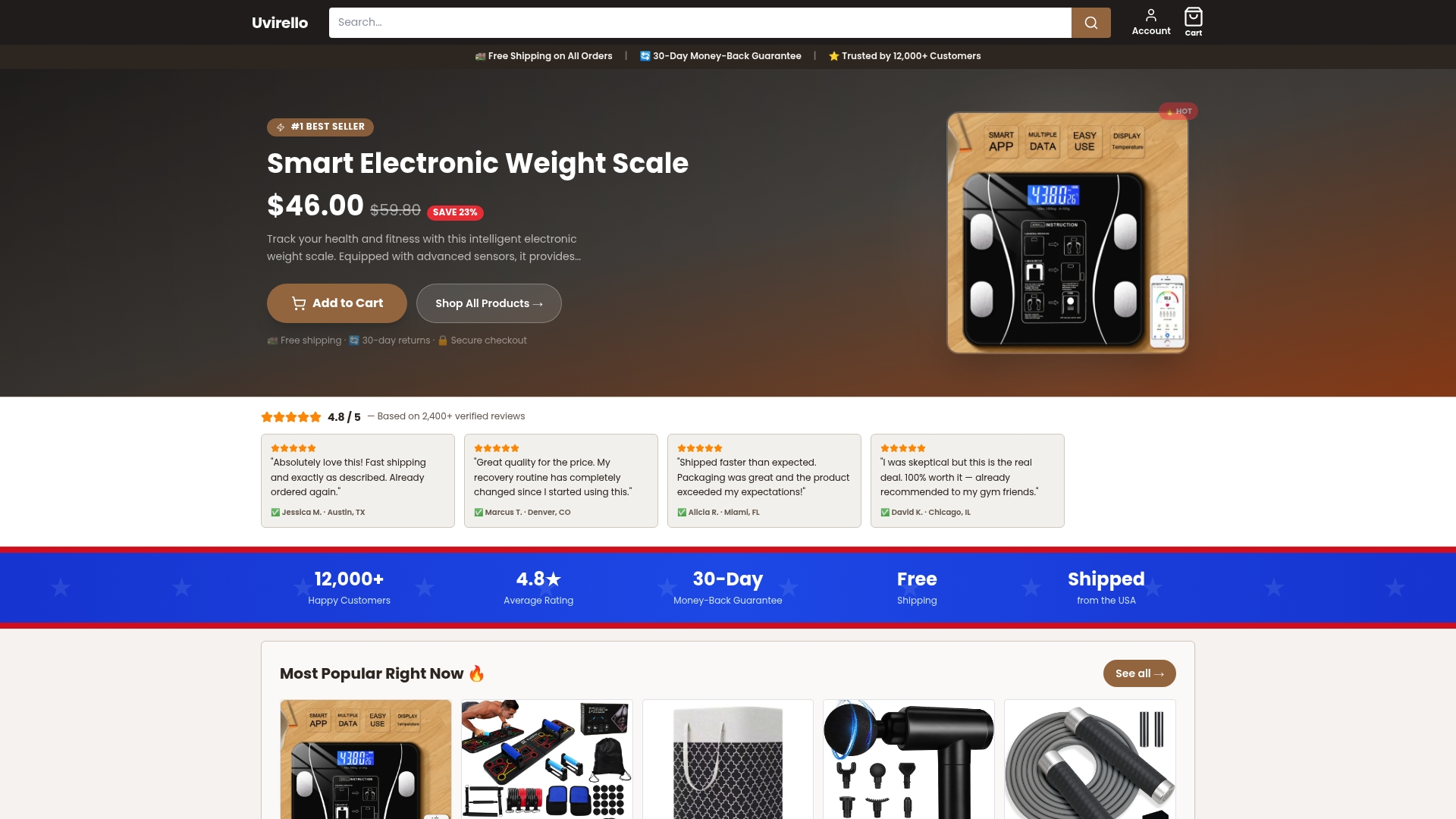
The scale pairs high-precision body composition sensors with an app designed to give you control over what syncs and what stays on your device, backed by the same encryption and deletion standards this guide just walked you through. Over 12,000 customers have rated it 4.8 out of 5, and the appeal isn't just the accuracy of the readings. It's that you're not stuck guessing what happens to your data after you step off the scale. If you're ready to replace a device you're not sure about, or you're buying your first one, check out the Uvirello smart scale and see how the privacy controls compare to what's already on your bathroom floor.
Sources
The guidance in this article draws on regulatory, security, and consumer-reporting sources that go deeper into specific pieces of this topic.
- IoT connectivity in personal scales: Bluetooth/Wi‑Fi protocols and data security | Weighing Review
- Mobile health app developers: FTC best practices
Each of these sources tackles a different piece of the same problem: consumer health devices sit outside the legal protections people assume they have, which makes personal diligence the real safeguard.